
OpenClaw
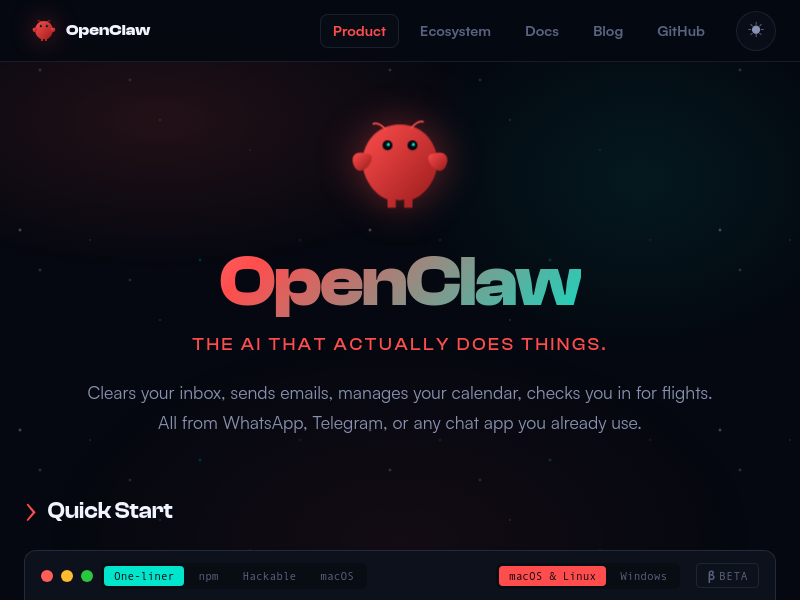
OpenClaw is an open-source, self-hosted AI assistant that operates via chat apps like WhatsApp and Telegram, capable of managing email, calendar, travel check-ins, and other tasks autonomously. It features persistent memory, proactive background tasks, and an extensible skill system, all running on your own hardware.
Key facts
What is OpenClaw?
The AI that actually does things—clearing inbox, managing calendar, and more—all from your favorite chat apps.
Who is OpenClaw best for?
Individuals, teams, developers, and companies needing a proactive, self-hosted AI assistant.
What are its main limitations?
- Requires self-hosting and some technical setup (CLI, npm, Git)
- Companion apps are in beta and may have limited stability
- May need API keys for AI models (costs not detailed)
Limitations are based on product materials or editorial synthesis; confirm on the official site.
Key features
- ✓Clears inbox, sends emails, manages calendar, checks in for flights
- ✓Operates from WhatsApp, Telegram, or any chat app
- ✓Proactive with cron jobs, reminders, background tasks
- ✓Persistent memory and context across sessions
- ✓Extensible with custom skills and extensions
- ✓Installable via one-liner curl script or npm
- ✓Cross-platform: macOS, Linux, Windows
Use cases
- →Automating email and calendar management
- →Checking in for flights and managing travel
- →Building custom tasks and workflows with natural language
- →Monitoring and controlling smart home devices
- →Running a company with AI-assisted operations
- →Creating and using personal extensions for unique needs
Pricing
Free (Open Source)
$0
- · Self-hosted
- · All features
- · No subscription required
Open source and free to self-host; no subscription required.
Pros
- +Proactive and persistent (24/7 memory, background tasks)
- +Open source and self-hostable (privacy and control)
- +Multi-platform and accessible via common chat apps
- +Extensible/hackable—users or AI can create new skills
- +Installs quickly with a single command
Cons
- −Requires self-hosting and some technical setup (CLI, npm, Git)
- −Companion apps are in beta and may have limited stability
- −May need API keys for AI models (costs not detailed)
Positioning
- Core value: The AI that actually does things—clearing inbox, managing calendar, and more—all from your favorite chat apps.
- Ideal for: Individuals, teams, developers, and companies needing a proactive, self-hosted AI assistant.
- Product type: Self-hosted CLI tool with companion apps for macOS and Windows; accessible via WhatsApp, Telegram, and other chat apps.
Frequently asked questions
What is OpenClaw?
OpenClaw is an open-source AI assistant that runs on your own computer and can be accessed via chat apps like WhatsApp and Telegram. It can manage your email, calendar, travel, and more autonomously.
How do I install OpenClaw?
You can install it with a one-liner curl command: curl -fsSL https://openclaw.ai/install.sh | bash, or via npm: npm i -g openclaw. It works on macOS, Linux, and Windows.
Which chat apps does OpenClaw support?
OpenClaw works with WhatsApp, Telegram, Discord, and any other chat app you already use. It also has companion apps for native control on macOS and Windows.
Is OpenClaw open source?
Yes, OpenClaw is fully open source. You can find the code on GitHub and it can be self-hosted or modified.
Can I create custom skills for OpenClaw?
Yes, OpenClaw is hackable. You can create your own extensions and skills, and even have the AI build them for you via chat.
What operating systems are supported?
OpenClaw runs on macOS, Linux, and Windows. The one-liner installer handles Node.js and dependencies automatically.
You may also like
Curated suggestions based on similar categories.
RoleFit
RoleFit is an AI-powered job matching tool that analyses a pasted job description and returns a fit score, skill gaps, visa sponsorship check, and salary range. It generates a tailored, ATS-optimised CV and a cover letter, and saves applications to a tracker.
Apple HomePod mini 2
Apple HomePod mini 2 is a compact smart speaker that delivers room-filling 360-degree audio, Siri voice assistance, multiroom audio, and smart home hub control. It is available in five colors and is priced at $149, with availability starting October 30 (10.30).
Kudos 3.0
Kudos is a browser extension that uses AI to help people get more from their money. It activates card offers, tracks card benefits, cancels subscriptions, and negotiates bills. The company states it has over 400,000 members.
10xJoy
10xJoy is an AI business matchmaker named Joy that helps businesses discover the outcomes they want and connects them with builders who can deliver them. It also provides a builder leaderboard where clients can browse and contact the most-requested builders.
Murkaverse
AI-powered dream interpretation app with personalized analysis, dream journal, pattern analytics, and sleep insights
Finamie
Finamie is a voice-first personal finance app for iOS that automatically logs transactions and generates personalized financial insights from spoken descriptions. Available in English and Spanish, it offers a free tier and a Premium subscription.