
Tasks.txt
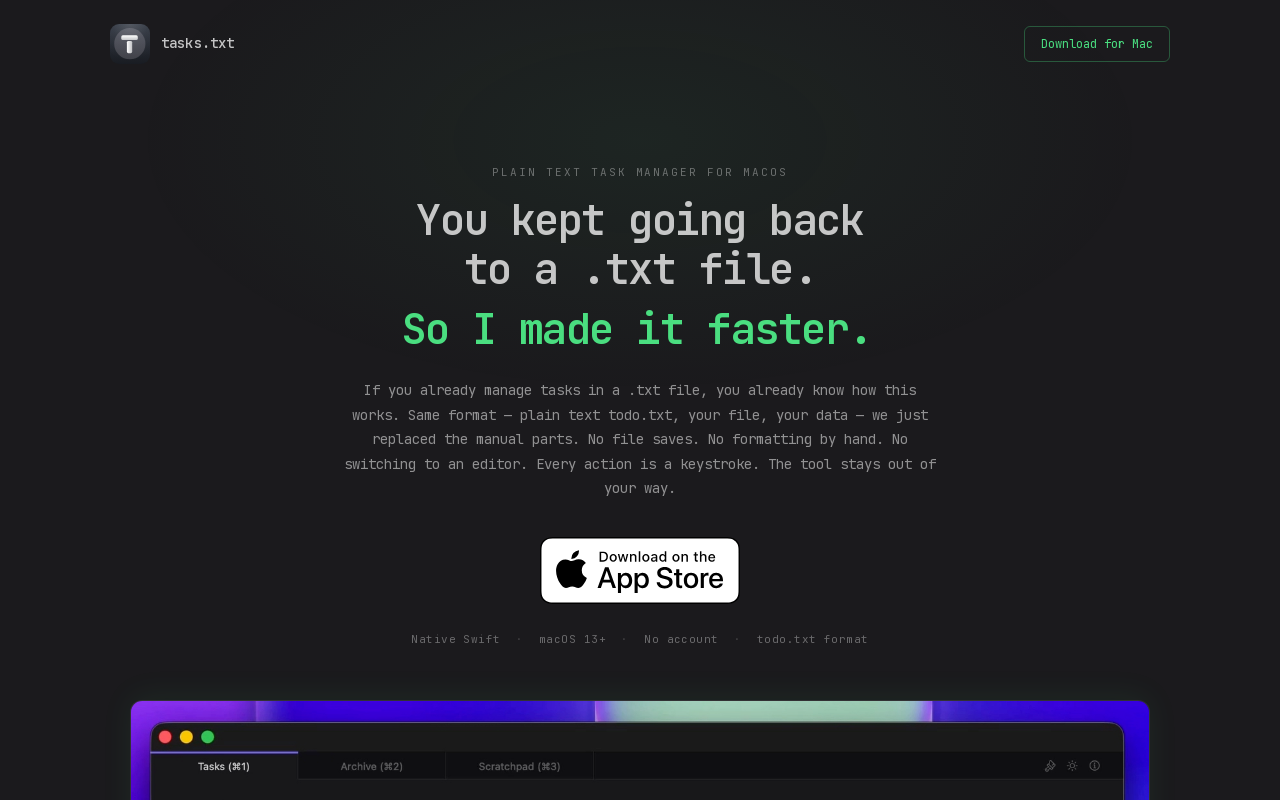
Plain text task manager for macOS that uses the todo.txt format. It is a native Swift app with keyboard-driven workflows, no cloud sync, no account required, and stores everything in a plain text file you own.
Key facts
What is Tasks.txt?
A blazingly fast, keyboard-driven plain text task manager that stays out of your way and gives you complete ownership of your data.
Who is Tasks.txt best for?
macOS users who prefer plain text task management, developers, productivity enthusiasts
What are its main limitations?
- macOS only (requires macOS 13 Ventura or later)
- No cloud sync (may be a con for users who want device cross-sync)
- No collaboration or sharing features
- No mobile app
Limitations are based on product materials or editorial synthesis; confirm on the official site.
Key features
- ✓Plain text todo.txt format stored in ~/Documents/tasks-txt/tasks.txt
- ✓Keyboard shortcuts for all actions: navigate, edit, toggle done, move tasks, search, filter
- ✓Built-in scratchpad (⌘3) for notes and ideas stored as scratch.txt
- ✓Automatic grouping of tasks into Done, Upcoming, and Backlog sections
- ✓Bulk add mode (⌘B) for quickly entering multiple tasks
- ✓Search (⌘F) and filter by project labels (+project)
- ✓Drag & drop reordering of tasks
- ✓No cloud sync, no account, no telemetry, no analytics
Use cases
- →Daily task management without context switching to a heavy app
- →Maintaining a version-controlled task list in Git
- →Quick note-taking alongside task tracking with the scratchpad
- →Keyboard-only workflow for productivity-focused power users
Pricing
Free
$0
- · Full app access, no limitations
Free download on the Mac App Store – no subscription, no in-app purchases.
Pros
- +Extremely fast – native Swift, no Electron, loads instantly
- +Full data ownership – plain text file readable in any editor, grep-able, version-controllable
- +Free – no subscription, no in-app purchases
- +No account or cloud sync required, ensuring privacy
- +Keyboard-driven with a comprehensive set of shortcuts
- +Built-in scratchpad for non-task notes
Cons
- −macOS only (requires macOS 13 Ventura or later)
- −No cloud sync (may be a con for users who want device cross-sync)
- −No collaboration or sharing features
- −No mobile app
Positioning
- Core value: A blazingly fast, keyboard-driven plain text task manager that stays out of your way and gives you complete ownership of your data.
- Ideal for: macOS users who prefer plain text task management, developers, productivity enthusiasts
- Product type: Native macOS app (macOS 13+)
Frequently asked questions
What file format does tasks.txt use?
Plain text, inspired by todo.txt. Each task is one line. Completed tasks get an x prefix and a done:YYYY-MM-DD date. Tasks marked upcoming:true surface at the top of your list. Add +project tags for label filtering and note:"..." for inline notes. Every field is human-readable in any text editor.
Does tasks.txt sync to the cloud?
No. Tasks live in ~/Documents/tasks-txt/tasks.txt on your Mac. You own the file — back it up with Time Machine, sync it with Dropbox, or version-control it in Git.
Is tasks.txt free?
Yes — free download on the Mac App Store. No subscription, no in-app purchases.
What macOS version is required?
macOS 13 Ventura or later. Native Swift — no web wrapper or Electron runtime needed.
How is it different from Things or OmniFocus?
tasks.txt stores everything in a plain text file you own. No proprietary database, no vendor lock-in. You can read, edit, and search your tasks in any text editor — the app just adds keyboard shortcuts on top.
How does tasks.txt handle completed tasks?
Mark a task done with ⌘↩ and it moves to the Done section at the top of the list — visible for the rest of the day. Each morning the slate clears: completed tasks move to an archive file so your history is preserved without cluttering the next day.
You may also like
Curated suggestions based on similar categories.
Prompt Like A Pro
Improve your prompts for any goal, built on Anthropic, OpenAI, and Google's practices.
Craftly
Craftly turns rough notes and phone photos into listings, posts, and buyer replies that sound like you — just on your best day.
StudyEdge AI
StudyEdge AI is an AI study coach that automatically builds your weekly schedule, plans every session minute-by-minute, and runs study sessions with flashcards, quizzes, and active recall. One app for the entire semester.
Keymap
Keymap shows every menu shortcut in the app you're using. Double-press ⌘ to summon the panel. Spot conflicts. Remap keys. All local, all private.
Unified API+MCP Platform
Real-time unified API and MCP platform providing on-demand access to 759 data sources across 33 categories for B2B SaaS and AI agents.
Finamie
Finamie is a voice-first personal finance app for iOS that automatically logs transactions and generates personalized financial insights from spoken descriptions. Available in English and Spanish, it offers a free tier and a Premium subscription.