
DevSnoop
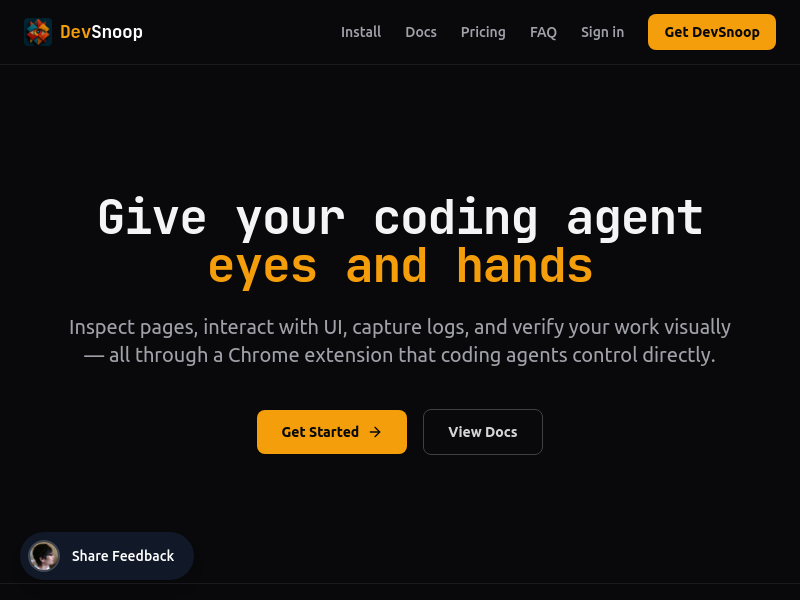
DevSnoop is a local Chrome extension and native host that gives coding agents (like Claude Code, Codex, Cursor) direct browser inspection and control. It provides compact page summaries, click/fill actions, console and network logs, DOM diffs, legibility audits, and screenshots through a single HTTP API, enabling agents to verify UI changes before editing code.
Key facts
What is DevSnoop?
Empowers coding agents with local Chrome browser evidence – inspect, act, read failures, and verify changes – without hosted browser subscriptions or metering.
Who is DevSnoop best for?
Developers using AI coding agents (Claude Code, Codex, Cursor, Windsurf, Cline, Aider) for frontend development and debugging.
What are its main limitations?
- Requires local Chrome browser and native host setup
- Not a substitute for comprehensive end-to-end testing frameworks
- Limited to single local Chrome instance; no hosted/browserless mode
Limitations are based on product materials or editorial synthesis; confirm on the official site.
Key features
- ✓page_summary: returns semantic structure, text, controls, and selectors in token-efficient JSON
- ✓click, fill, scroll, hover actions for driving the browser like a user
- ✓get_network and get_logs: capture console logs, network failures, and JS exceptions with redacted payloads
- ✓diff: lightweight DOM diffs after agent actions to check what changed
- ✓legibility_audit: heuristic contrast analysis for faint text, icons, with selector and fix guidance
- ✓screenshot: save visual state for review
- ✓accessibility_audit: basic accessibility issue detection
- ✓works with any coding agent that can make HTTP requests
Use cases
- →Debugging frontend changes: agent inspects page, reproduces action, checks network/log failures before editing code
- →Verifying UI element selectors before writing new code or tests
- →Catching hard-to-read text or icons with contrast audits and automated recommendations
- →Reproducing user interactions (click checkout, fill form) and reading browser failures (e.g., 401) in the same loop
- →Comparing page state before and after hot reload or agent edits using DOM diffs
Pricing
DevSnoop License
$29 one-time
- · Inspect DOM, styles, and semantic page structure
- · Run heuristic legibility audits for hard-to-read text and icons
- · Capture console logs, network errors, and exceptions
- · Click, fill, scroll, hover, and screenshot pages
- · Track lightweight DOM diffs after agent actions
- · Detect tech stack and basic accessibility issues
- · Connect through the local native host
- · Works with any coding agent
- · 1 year of updates
One-time $29 license with 1 year of updates; no subscription, no metering.
Pros
- +One-time $29 license, no subscription or usage metering
- +Local Chrome control with structured, token-efficient JSON responses
- +Built-in legibility and accessibility audits
- +Works with any coding agent capable of HTTP calls
- +Includes 1 year of updates
Cons
- −Requires local Chrome browser and native host setup
- −Not a substitute for comprehensive end-to-end testing frameworks
- −Limited to single local Chrome instance; no hosted/browserless mode
Positioning
- Core value: Empowers coding agents with local Chrome browser evidence – inspect, act, read failures, and verify changes – without hosted browser subscriptions or metering.
- Ideal for: Developers using AI coding agents (Claude Code, Codex, Cursor, Windsurf, Cline, Aider) for frontend development and debugging.
- Product type: Chrome extension with native host; agents interact via JSON HTTP API on port 9400.
Frequently asked questions
What is DevSnoop?
DevSnoop is a Chrome extension and native host that gives coding agents local browser access. It exposes a JSON HTTP API on port 9400 for agents to inspect the DOM, interact with the page, read console/network logs, perform legibility audits, and take screenshots.
How much does DevSnoop cost?
DevSnoop is a one-time purchase of $29, including 1 year of updates. There are no subscriptions or usage limits.
Which coding agents are supported?
DevSnoop works with any tool that can make HTTP requests, including Claude Code, Codex, Cursor, Windsurf, Cline, and Aider.
How does DevSnoop compare to Chrome DevTools MCP?
DevSnoop is purpose-built for coding agents: it returns compact page summaries, reusable selectors, logs, network failures, and DOM diffs via a single local HTTP API, instead of using the broader Chrome DevTools Protocol. Its responses are more token-efficient and structured for agent workflows.
How does DevSnoop compare to Browse.dev?
DevSnoop runs as a local Chrome extension and native host, not a hosted browser service. You buy a one-time license instead of paying a recurring subscription for hosted browser automation.
How do agents communicate with DevSnoop?
Agents send JSON commands via HTTP POST to 127.0.0.1:9400. The native host forwards them to Chrome through Native Messaging, and the extension executes them on the page, returning structured JSON results.
You may also like
Curated suggestions based on similar categories.
Floot MCP
Floot MCP is a connector that adds Floot to AI assistants such as Claude, ChatGPT, and Cursor so users can describe an app in chat and have Floot build it — backend, database, and hosting included. Apps can then be published to the web and mobile app stores from the same platform.
Gemini 3.6 Flash Family
Gemini 3.6 Flash is a multimodal AI model designed for token efficiency in coding, knowledge work, and multimodal tasks, reducing output token usage by 17% compared to its predecessor. It supports text, audio, images, code, and video with up to 1M input tokens and advanced reasoning capabilities.
Grok Build Open Source
Grok Build is an open-source agent harness and terminal interface built in Rust (Apache-2.0) that coordinates repository context, tools, model reasoning, edits, review, and approval. Its public repository allows developers to inspect, build from source, and extend the coding-agent workflow.
Orbit for Mac
Orbit is a native macOS desktop app that integrates an AI agent, code editor, browser, canvas, and terminal into a single environment. It supports 200+ models across 20+ providers and includes a Skills Marketplace with 20K+ community-built skills, all while keeping code local and private.
Nixmac
nixmac is an open-source macOS application that transforms your Mac into a reproducible, version-controlled system using Nix. It allows you to describe desired configurations in plain English, which it then converts into Nix code, builds, and applies safely, with real-time feedback and automatic rollback on failure.
CodeMote
CodeMote by Caste is an iOS and iPadOS app that lets you run terminal, AI coding agents, and git from your iPhone or iPad, remotely driving VS Code, Cursor, and Antigravity on your own machine without cloud copies.