
Nixmac
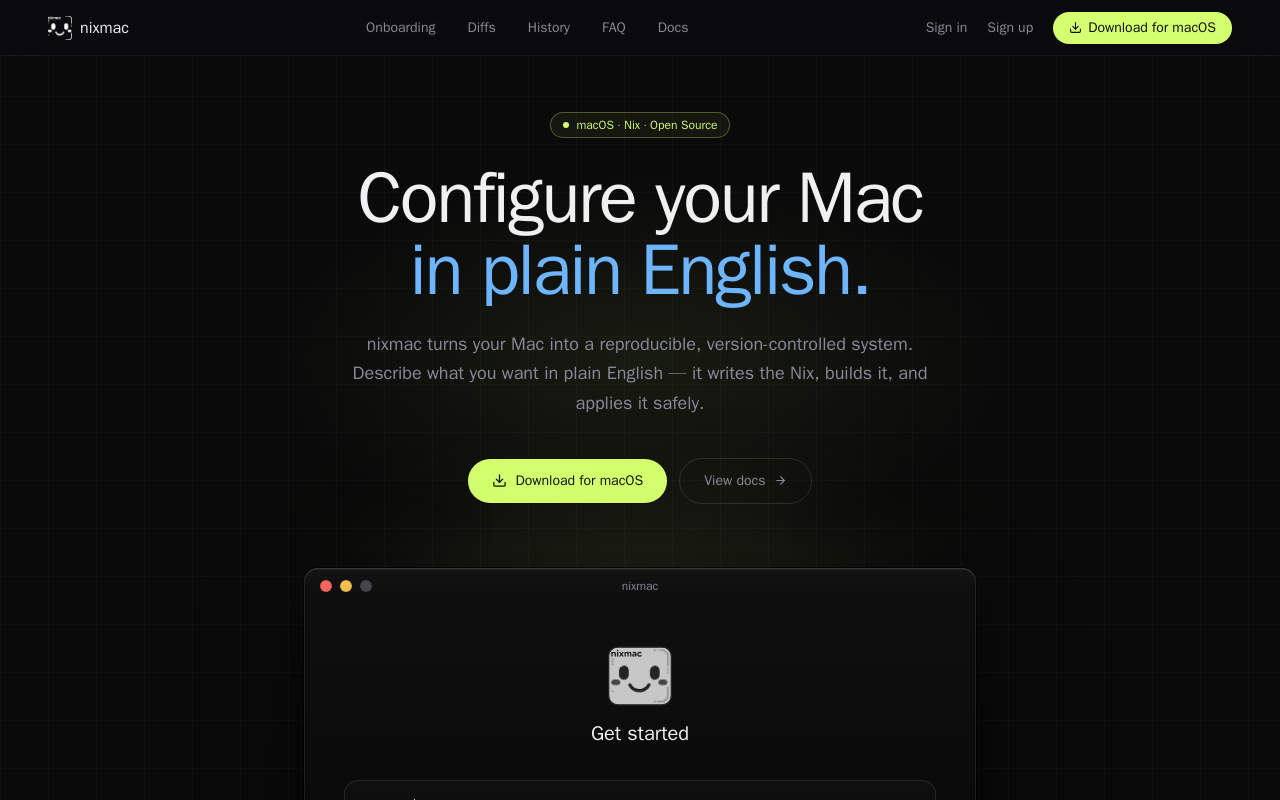
nixmac is an open-source macOS application that transforms your Mac into a reproducible, version-controlled system using Nix. It allows you to describe desired configurations in plain English, which it then converts into Nix code, builds, and applies safely, with real-time feedback and automatic rollback on failure.
Key facts
What is Nixmac?
Turns your Mac into a reproducible, version-controlled system where you describe what you want in plain English and it writes, builds, and applies the Nix configuration for you.
Who is Nixmac best for?
Mac users, developers, system administrators, Nix enthusiasts
What are its main limitations?
- Only available for macOS at this time
- Requires Nix to be installed (though the app may simplify setup)
- Hosted AI inference costs $4.99/mo for device sync
- May have a learning curve for users unfamiliar with Nix or terminal-based workflows
Limitations are based on product materials or editorial synthesis; confirm on the official site.
Key features
- ✓Natural language input to generate Nix configuration
- ✓Live build streaming with real-time phase visibility
- ✓Drift detection for manual changes outside the config
- ✓Git-native commits with AI-written semantic messages
- ✓AI inference with hosted models or bring your own API key (Anthropic, OpenAI) or local via Ollama
- ✓Template-based setup with sensible defaults for flakes
- ✓Import existing flakes from GitHub or local folders
- ✓Automatic rollback on failure, atomic changes via darwin-rebuild switch
Use cases
- →Set up a new Mac with a consistent, reproducible environment
- →Declaratively manage system packages, settings, and services
- →Restore any previous system state with one click from git history
- →Migrate an existing manually-configured Mac to Nix-based management
- →Collaborate on system configuration using version control
Pricing
Free
$0
- · Open source and fully functional without account
- · Bring your own API key (Anthropic, OpenAI)
- · Local AI inference via Ollama
- · All core configuration and version control features
Pro (Hosted AI)
$4.99/mo
- · Hosted AI models (no API key needed)
- · Device sync across multiple machines
- · Metered usage included in subscription
Free open-source version available without an account; hosted AI and device sync from $4.99/mo
Pros
- +Open source and free without needing an account
- +Low learning curve – describe in English, no Nix knowledge required
- +Real-time build feedback with clear status indicators
- +Drift detection keeps config in sync with manual changes
- +Every change is version-controlled with meaningful commit messages
Cons
- −Only available for macOS at this time
- −Requires Nix to be installed (though the app may simplify setup)
- −Hosted AI inference costs $4.99/mo for device sync
- −May have a learning curve for users unfamiliar with Nix or terminal-based workflows
- −Early-stage project (copyright 2026) – ecosystem and documentation still maturing
Positioning
- Core value: Turns your Mac into a reproducible, version-controlled system where you describe what you want in plain English and it writes, builds, and applies the Nix configuration for you.
- Ideal for: Mac users, developers, system administrators, Nix enthusiasts
- Product type: macOS native app
Frequently asked questions
What is Nixmac?
Nixmac is an open-source macOS app that lets you manage your Mac's configuration using Nix, by describing what you want in plain English. It writes the Nix code, builds it, and applies it safely, with version control and rollback.
Is Nixmac free?
Yes, the app is free and open source. You can use it without an account. An optional paid tier ($4.99/mo) provides hosted AI models and device sync.
Do I need to know Nix to use Nixmac?
No. Nixmac is designed for plain English input. It writes the Nix code for you, so you don't need prior Nix knowledge.
Is Nixmac open source?
Yes, Nixmac is open source and available on GitHub. No account is required to download and use it.
Can I use Nixmac with an existing Nix setup?
Yes, you can import your existing flake from GitHub or a local folder. Nixmac picks up where you left off without requiring a rewrite.
Which macOS versions are supported?
The exact versions are not listed on the homepage, but the app is available as a native macOS download and is built on top of nix-darwin, which generally supports recent macOS versions.
You may also like
Curated suggestions based on similar categories.
Floot MCP
Floot MCP is a connector that adds Floot to AI assistants such as Claude, ChatGPT, and Cursor so users can describe an app in chat and have Floot build it — backend, database, and hosting included. Apps can then be published to the web and mobile app stores from the same platform.
Gemini 3.6 Flash Family
Gemini 3.6 Flash is a multimodal AI model designed for token efficiency in coding, knowledge work, and multimodal tasks, reducing output token usage by 17% compared to its predecessor. It supports text, audio, images, code, and video with up to 1M input tokens and advanced reasoning capabilities.
Grok Build Open Source
Grok Build is an open-source agent harness and terminal interface built in Rust (Apache-2.0) that coordinates repository context, tools, model reasoning, edits, review, and approval. Its public repository allows developers to inspect, build from source, and extend the coding-agent workflow.
Orbit for Mac
Orbit is a native macOS desktop app that integrates an AI agent, code editor, browser, canvas, and terminal into a single environment. It supports 200+ models across 20+ providers and includes a Skills Marketplace with 20K+ community-built skills, all while keeping code local and private.
CodeMote
CodeMote by Caste is an iOS and iPadOS app that lets you run terminal, AI coding agents, and git from your iPhone or iPad, remotely driving VS Code, Cursor, and Antigravity on your own machine without cloud copies.
Termi Protocol
The world's first 3D AI agent workspace. Termi Protocol lets developers watch their AI coding agents work live in a 3D room, with full visibility, checkpoints, task boards, and memory. It runs locally with your own API keys and works with Claude Code, Codex, Gemini CLI, and other CLI agents.