
Convert any webpage into clean Markdown
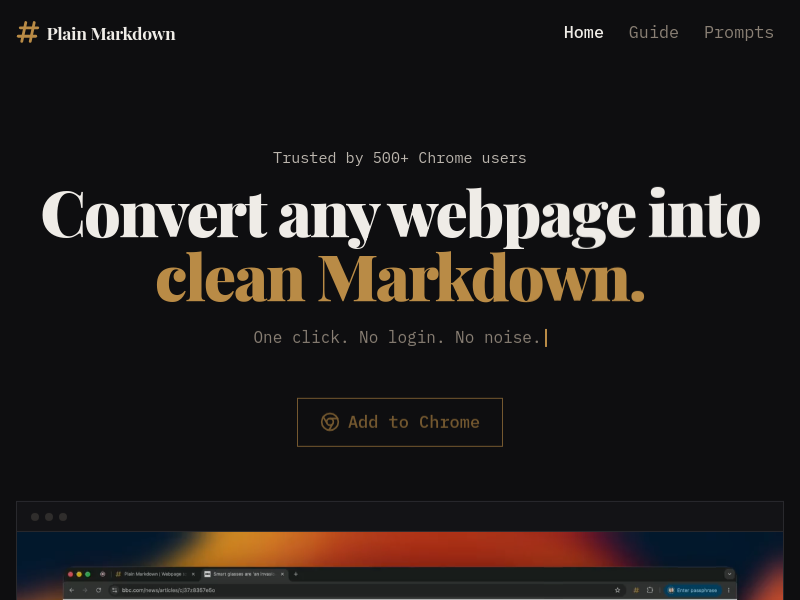
Plain Markdown is a Chromium extension that converts any webpage into clean Markdown with one click, no login required. It also offers AI actions to summarize, rewrite, or ask questions about the page, and integrates with Obsidian, Readwise, and Notion.
Key facts
What is Convert any webpage into clean Markdown?
Convert any webpage into clean Markdown instantly, with AI actions and one-click send to your favorite note-taking tools.
Who is Convert any webpage into clean Markdown best for?
Researchers, note-takers, writers, and power users who want to capture and process web content efficiently.
What are its main limitations?
- Free tier limited to 30 AI actions per month
- Pro and BYOK Lifetime require payment for more AI actions
- Only supports Chromium browsers (Firefox planned)
- AI actions send page content to server (not stored) unless using own key
Limitations are based on product materials or editorial synthesis; confirm on the official site.
Key features
- ✓One-click page-to-Markdown conversion
- ✓Multi-tab capture
- ✓Works on dynamic sites, tables, and code blocks
- ✓Inline Markdown editor
- ✓Source info and citation support
- ✓AI actions: summarize, rewrite, ask anything
- ✓Curated everyday prompts and custom action builder
- ✓Destinations: Obsidian, Readwise Reader, Notion, copy to clipboard, download .md
- ✓No account required for basic functionality
- ✓Light/dark/system theme support
Use cases
- →Capture articles for research notes in Markdown
- →Summarize long web pages without leaving the browser
- →Rewrite content for quotes or citations
- →Send formatted notes directly to Obsidian or Notion
- →Ask questions about a page and get answers using AI
Pricing
Free
$0
- · One-click conversion
- · Multi-tab capture
- · Markdown editor
- · Obsidian, Readwise, Notion destinations
- · 30 AI actions/month
- · No account needed
Pro 100×
$29/year
- · Everything in Free
- · 3,000 AI actions/month
- · Priority email support
- · Cancel anytime
BYOK Lifetime
$19 once
- · Everything in Free
- · Your own OpenRouter key
- · Any model per action
- · No monthly action cap
- · One-time payment
Free plan available with 30 AI actions/month; Pro costs $29/year for 3,000 AI actions; BYOK Lifetime is $19 one-time for unlimited AI actions with your own model key.
Pros
- +Free tier with no account needed and core features
- +One-click conversion with clean Markdown output
- +AI actions built-in and customizable
- +Supports multiple note-taking destinations
- +Lightweight, runs entirely in browser for conversion
Cons
- −Free tier limited to 30 AI actions per month
- −Pro and BYOK Lifetime require payment for more AI actions
- −Only supports Chromium browsers (Firefox planned)
- −AI actions send page content to server (not stored) unless using own key
Positioning
- Core value: Convert any webpage into clean Markdown instantly, with AI actions and one-click send to your favorite note-taking tools.
- Ideal for: Researchers, note-takers, writers, and power users who want to capture and process web content efficiently.
- Product type: Chrome extension (Chromium-based browsers)
Frequently asked questions
Do I need an account?
No. Free works the moment you install. Pro is a license key emailed at checkout, with no sign-up. If you lose it, recover it at plainmarkdown.com/my-key.
How many devices can I use a license on?
Up to 5. Getting a fresh key at plainmarkdown.com/my-key resets your devices.
Which browsers does Plain Markdown support?
Chrome, Brave, and other Chromium-based browsers. Firefox support is planned.
What's the difference between Free and Pro?
Free includes 30 AI actions per month. Pro 100× raises that to 3,000 per month and adds priority email support.
What counts as an AI action?
One run of any AI action. Failed requests don't count.
Which AI model does Plain Markdown use?
Free and Pro both run on Google's Gemini 2.5 Flash. With BYOK Lifetime you bring your own OpenRouter key and pick any model per action.
You may also like
Curated suggestions based on similar categories.
AI Text Watermark Remover
AI Text Watermark Remover detects and cleans traces left in AI-generated drafts, including invisible Unicode characters and Markdown paste residue, and offers a Pro meaning-preserving rewrite when a watermark is embedded in the wording itself. It supports pastes from Claude, ChatGPT, Gemini and other models, with invisible-character and Markdown cleaning running locally in the browser.
Clean Paste AI
Clean Paste AI is an AI clipboard sanitizer and text cleaner that strips hidden Unicode characters and Markdown residue from copied text before pasting it into documents. Cleaning runs locally in the browser, with optional Pro tools (Text Watermark Remover and AI Humanizer) that use credits for semantic rewriting.
Diagramly
Diagramly is an AI-powered diagramming assistant that generates PlantUML, Mermaid, and ZenUML diagrams from written text descriptions or uploaded whiteboard drawings. Users can refine diagrams with diagram-as-code, save version history, and share diagrams via link or keep them private.
RoleFit
RoleFit is an AI-powered job matching tool that analyses a pasted job description and returns a fit score, skill gaps, visa sponsorship check, and salary range. It generates a tailored, ATS-optimised CV and a cover letter, and saves applications to a tracker.
AI Text Cleaner
AI Text Cleaner is a browser-based text hygiene workspace that removes hidden Unicode characters, unusual whitespace, and unwanted Markdown formatting from AI-generated drafts. Free scans run locally in the browser, while paid Pro credits power full-sentence rewriting for text watermark removal and AI humanization.
Clean Paste AI
Clean Paste AI is an AI clipboard sanitizer that strips invisible Unicode characters, zero-width spaces, and unwanted Markdown from copied AI output before you paste it into documents, CMS editors, email, or spreadsheets. Free cleaning runs entirely locally in the browser, while Pro tiers add a Text Watermark Remover and AI Humanizer that reconstruct draft phrasing.