
Fotor
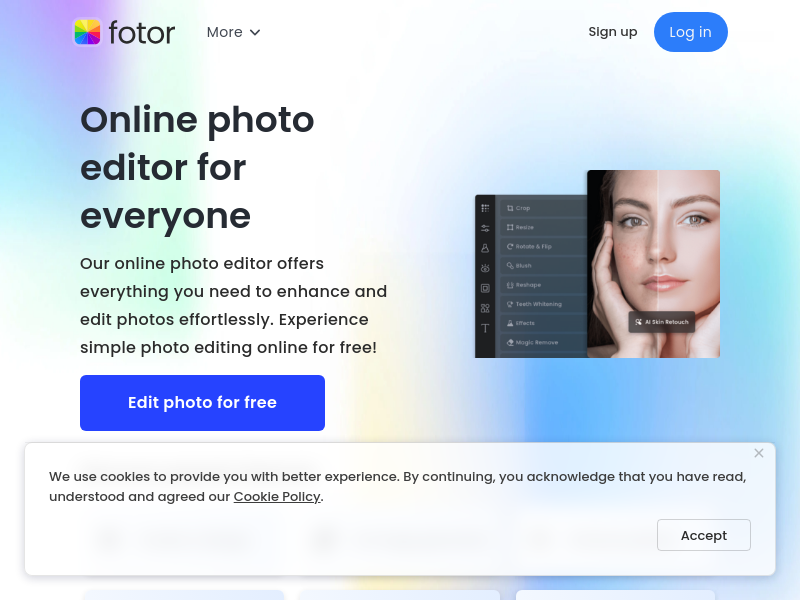
Fotor is an online photo editor that provides AI-powered tools for photo enhancement, background removal, object removal, and image generation. It also includes AI video generation, design templates, and generative AI features for creating images from text.
Key facts
What is Fotor?
Online photo editor with AI tools for enhancement, background removal, and generative creation.
Who is Fotor best for?
Everyone from casual users to designers and marketers.
Key features
- ✓AI Photo Enhancer
- ✓AI Background Remover
- ✓AI Object Remover
- ✓Text to Image generator
- ✓AI Image Extender
- ✓AI Avatar Generator
- ✓Batch Photo Editor
- ✓Photo to Anime / Cartoon / Sketch effects
Use cases
- →Remove background from product photos for e-commerce
- →Enhance and restore old or blurry photos
- →Create AI avatars for social media profiles
- →Design marketing materials like flyers and logos
- →Generate images from text descriptions for creative projects
Pros
- +Comprehensive suite of AI editing tools
- +Batch editing saves time
- +Free basic editing available
- +Easy to use with fewer learning curves compared to Photoshop
Positioning
- Core value: Online photo editor with AI tools for enhancement, background removal, and generative creation.
- Ideal for: Everyone from casual users to designers and marketers.
Frequently asked questions
What is Fotor?
Fotor is an online photo editor that offers AI-powered tools for photo enhancement, background removal, object removal, and image generation.
Is Fotor free to use?
Yes, Fotor offers free online photo editing with basic features; advanced features may require a paid subscription.
What AI tools does Fotor provide?
Fotor includes AI Photo Enhancer, AI Background Remover, AI Object Remover, AI Image Generator, AI Image Extender, AI Avatar Generator, and more.
Can I edit multiple photos at once?
Yes, Fotor's batch photo editor allows you to edit multiple photos simultaneously.
Does Fotor support video editing?
Yes, Fotor has AI video tools including a video generator, enhancer, background remover, and more.
Can I generate images from text with Fotor?
Yes, Fotor's Text to Image tool uses AI to create images from descriptions.
You may also like
Curated suggestions based on similar categories.
PopUGC
PopUGC is a browser-based AI content creation platform whose AI Image to Image Generator transforms an uploaded reference photo into a new image guided by a text prompt. The same credit package covers AI image generation, text-to-image, text-to-video, and image-to-video tools, with upscaling, watermark-free downloads, and batch generation.
Photo to Action Figure
Photo to Action Figure is an AI image generator that turns one photo of a person or pet into a product-style custom action figure image. Users upload a single clear photo, pick from six collectible packaging styles, adjust crop and position, and download a private, watermark-free image on paid plans. The output is a digital collectible image only—no physical toy is manufactured or shipped.
ProductShot AI
ProductShot AI is a browser-based AI product photography workspace for ecommerce sellers, marketers, and small teams. It turns a single uploaded product image into white-background photos, studio shots, lifestyle scenes, marketplace listing images, and campaign creative.
DigiBouquet AI
DigiBouquet AI lets you build a digital flower bouquet by hand for free or generate an AI-designed arrangement from a short prompt, attach a personal note card, and share it as a gift link, PNG download, or story-ready image. Recipients open the gift link on any phone without an app install or account.
Hyperdream
Hyperdream is an end-to-end AI filmmaking studio that takes users from script to finished film in one platform. It combines AI scriptwriting, style design, AI character casting with voice cloning, storyboarding, cinematic video generation, and a built-in non-destructive video editor, maintaining continuous context so characters and style stay consistent across every scene.
PAMA AI
PAMA AI is an AI comic generator that turns one script into structured scenes, consistent characters, directed storyboards, motion clips, and sound inside a single studio workspace. It keeps a reusable character bible, location bible, shot prompts, and credit usage connected to the same project so creators can direct a sequence scene by scene.