
TRAE
TRAE is an AI-powered coding assistant that helps developers ship faster. It offers TRAE IDE (a 10x AI coding engineer) and TRAE Work (a professional AI work assistant), with features like autocomplete, concurrent cloud tasks, and model early access.
Key facts
What is TRAE?
Ship faster with AI-powered coding assistance.
Who is TRAE best for?
Developers, software engineers, tech teams
What are its main limitations?
- Free plan has limited autocomplete (5000/month) and standard queue
- Usage is split into Basic and Bonus usage, which may be confusing
- Lite plan has only 2 concurrent cloud tasks
Limitations are based on product materials or editorial synthesis; confirm on the official site.
Key features
- ✓Unlimited autocomplete on paid plans
- ✓TRAE IDE - SOLO mode included
- ✓Up to 20 concurrent cloud tasks (Ultra plan)
- ✓Queue priority: Fast queue on paid plans
- ✓Basic usage + Bonus usage system
- ✓Model early access (Ultra plan)
- ✓7-day free trial for Pro plan
Use cases
- →Accelerating code writing and autocomplete
- →Running multiple cloud-based development tasks concurrently
- →Early access to new AI models for experimentation
- →Professional development with AI assistance in IDE and web
Pricing
Free
$0
- · Limited autocomplete (5000/month)
- · Standard queue
- · 2 concurrent cloud tasks
- · TRAE IDE SOLO mode
Lite
$3/mo
- · $5 Basic usage + Bonus usage
- · Unlimited autocomplete
- · TRAE IDE SOLO mode
- · Up to 2 concurrent cloud tasks
Pro
$10/mo
- · $20 Basic usage + Bonus usage
- · Unlimited autocomplete
- · TRAE IDE SOLO mode
- · Up to 10 concurrent cloud tasks
- · 7-day free trial
Pro+
$30/mo
- · Everything in Pro
- · 3.5x more usage than Pro
- · Up to 15 concurrent cloud tasks
Ultra
$100/mo
- · Everything in Pro
- · 20x more usage than Pro
- · Model early access
- · Up to 20 concurrent cloud tasks
Free plan available; paid plans start at $3/month (Lite) or $10/month (Pro) with a 7-day free trial. Yearly billing available with 25% savings.
Pros
- +Unlimited autocomplete on paid plans
- +Fast queue priority for paid users
- +Multiple concurrent cloud tasks for scalability
- +Solo mode included in all plans
Cons
- −Free plan has limited autocomplete (5000/month) and standard queue
- −Usage is split into Basic and Bonus usage, which may be confusing
- −Lite plan has only 2 concurrent cloud tasks
Positioning
- Core value: Ship faster with AI-powered coding assistance.
- Ideal for: Developers, software engineers, tech teams
- Product type: Desktop app (TRAE IDE) and web app (TRAE Work)
Frequently asked questions
What is TRAE?
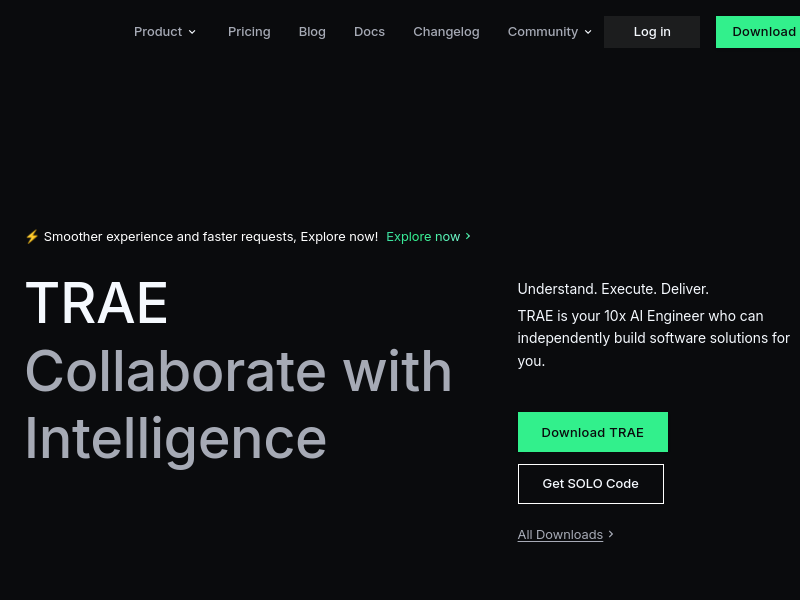
TRAE is your 10x AI Engineer who can independently build software solutions for you.
TRAE Use Case?
Building software solutions independently with a focus on a smoother and faster experience.
Applicable people for TRAE?
Developers and engineers looking for AI-powered software development solutions.
You may also like
Curated suggestions based on similar categories.
Gemini 3.6 Flash Family
Gemini 3.6 Flash is a multimodal AI model designed for token efficiency in coding, knowledge work, and multimodal tasks, reducing output token usage by 17% compared to its predecessor. It supports text, audio, images, code, and video with up to 1M input tokens and advanced reasoning capabilities.
Grok Build Open Source
Grok Build is an open-source agent harness and terminal interface built in Rust (Apache-2.0) that coordinates repository context, tools, model reasoning, edits, review, and approval. Its public repository allows developers to inspect, build from source, and extend the coding-agent workflow.
Orbit for Mac
Orbit is a native macOS desktop app that integrates an AI agent, code editor, browser, canvas, and terminal into a single environment. It supports 200+ models across 20+ providers and includes a Skills Marketplace with 20K+ community-built skills, all while keeping code local and private.
Nixmac
nixmac is an open-source macOS application that transforms your Mac into a reproducible, version-controlled system using Nix. It allows you to describe desired configurations in plain English, which it then converts into Nix code, builds, and applies safely, with real-time feedback and automatic rollback on failure.
CodeMote
CodeMote by Caste is an iOS and iPadOS app that lets you run terminal, AI coding agents, and git from your iPhone or iPad, remotely driving VS Code, Cursor, and Antigravity on your own machine without cloud copies.
Termi Protocol
The world's first 3D AI agent workspace. Termi Protocol lets developers watch their AI coding agents work live in a 3D room, with full visibility, checkpoints, task boards, and memory. It runs locally with your own API keys and works with Claude Code, Codex, Gemini CLI, and other CLI agents.