
ClipMatch
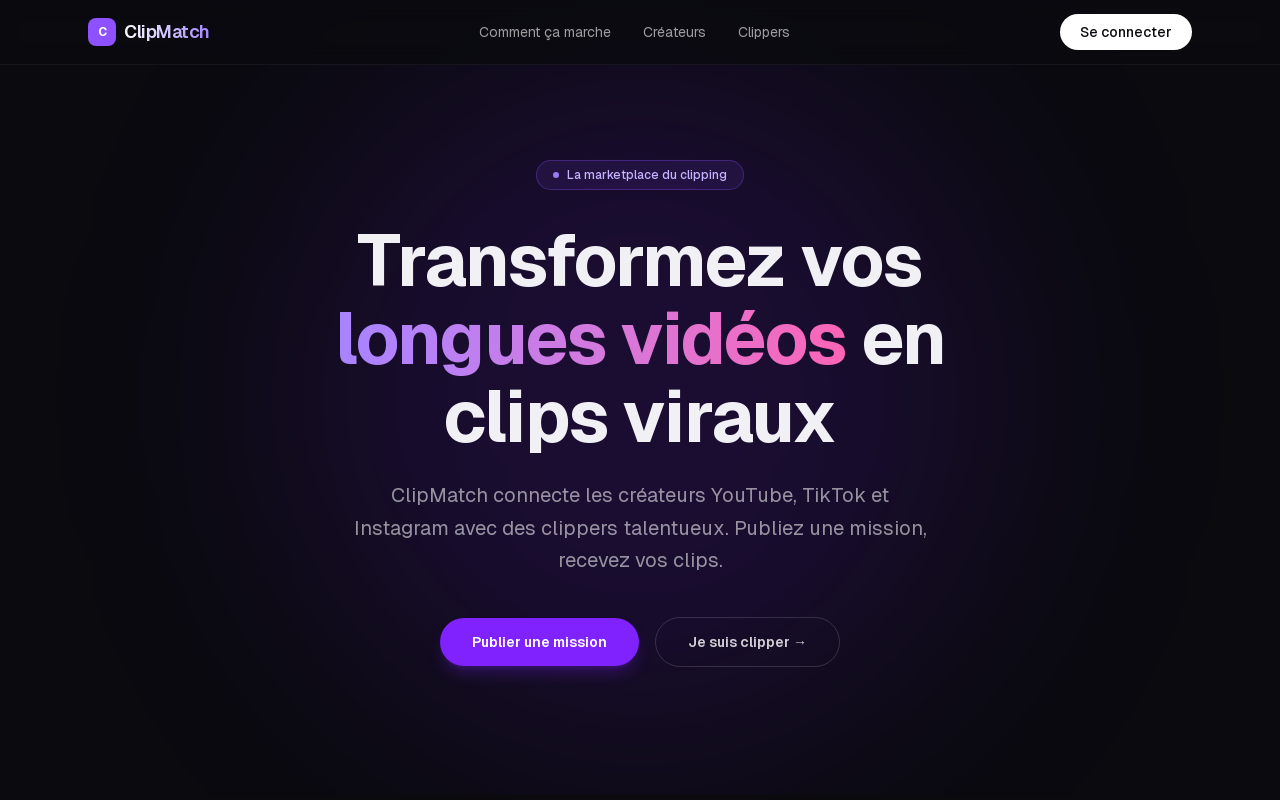
ClipMatch is a marketplace that connects YouTube, TikTok, and Instagram creators with talented video clippers. Creators post missions describing their long videos, and clippers apply to produce short viral clips for platforms like TikTok, Reels, and Shorts.
Key facts
What is ClipMatch?
Transform long videos into viral clips by effortlessly connecting creators with skilled clippers.
Who is ClipMatch best for?
Creators (YouTubers, TikTokers, Instagrammers) and clippers (video editors)
What are its main limitations?
- Quality depends on individual clipper skills
- No AI automation – fully human-powered
- Limited to platform ecosystem (no direct integration with third-party tools stated)
Limitations are based on product materials or editorial synthesis; confirm on the official site.
Key features
- ✓Publish missions specifying video source, desired clip count, target format (TikTok/Reels/Shorts), and budget
- ✓Receive applications from qualified clippers with portfolios and reviews
- ✓Review, request revisions, and approve clips directly on the platform
- ✓For clippers: browse hundreds of missions from YouTube, Twitch, and podcast creators
- ✓Apply in two clicks with a portfolio excerpt and custom price
- ✓Secure payment to clippers within 48 hours of validation
- ✓Free registration with no credit card required
Use cases
- →Creators repurposing long-form YouTube content for TikTok and Instagram Reels
- →Twitch streamers needing highlight clips for social media
- →Podcasters creating short promotional clips from episodes
- →Clippers seeking paid gigs and building a portfolio through real creator missions
Pricing
Free
$0
- · Register account
- · Browse and publish missions
- · Apply as clipper
Free signup is available; no additional pricing details are disclosed on the website.
Pros
- +Simplifies the process of finding reliable clippers
- +Built-in portfolio and review system for quality assurance
- +Fast, secure payment for clippers
- +Free to start – no upfront costs
Cons
- −Quality depends on individual clipper skills
- −No AI automation – fully human-powered
- −Limited to platform ecosystem (no direct integration with third-party tools stated)
Positioning
- Core value: Transform long videos into viral clips by effortlessly connecting creators with skilled clippers.
- Ideal for: Creators (YouTubers, TikTokers, Instagrammers) and clippers (video editors)
- Product type: Web platform
Frequently asked questions
What is ClipMatch?
ClipMatch is a marketplace that connects video creators with freelance clippers who turn long videos into short viral clips for platforms like TikTok, Instagram Reels, and YouTube Shorts.
How does ClipMatch work for creators?
Creators publish a mission describing their video, desired number of clips, target format, and budget. Qualified clippers apply with their portfolio and reviews, and the creator selects a clipper. The clipper delivers the clips on the platform for approval or revision.
How does ClipMatch work for clippers?
Clippers browse available missions from YouTube, Twitch, and podcast creators. They can apply in two clicks by presenting their style and offering their price. After delivery and validation, they receive payment within 48 hours.
Is ClipMatch free to join?
Yes, registration is free and no credit card is required to create an account.
How are clippers paid?
Payment is processed securely through the platform and clippers receive their earnings within 48 hours after the creator validates the delivered clips.
What formats does ClipMatch support?
The platform supports creating clips for TikTok, Instagram Reels, and YouTube Shorts.
You may also like
Curated suggestions based on similar categories.
Lugh Xtudio
Lugh Xtudio is a desktop video studio where AI agents edit alongside you on a real, hand-editable timeline. It gives each channel or client a workspace, teaches agents editing styles through "skills," and runs several agents in parallel on maps, whiteboards, 3D and motion graphics. It runs locally on macOS, Windows and Linux using your own Claude Code, Codex or Antigravity account, or any MCP-speaking app.
Tiny Little Office
Tiny Little Office is a browser-based suite of productivity apps that includes a word processor, outliner, presentation builder, spreadsheet, calculator, drawing tool, diagram maker, animator, calendar, and trip planner, each with templates. It is an Aboard Foundry project, made in New York City, currently in beta (v1.2.40).
AI Text Watermark Remover
AI Text Watermark Remover detects and cleans traces left in AI-generated drafts, including invisible Unicode characters and Markdown paste residue, and offers a Pro meaning-preserving rewrite when a watermark is embedded in the wording itself. It supports pastes from Claude, ChatGPT, Gemini and other models, with invisible-character and Markdown cleaning running locally in the browser.
Clean Paste AI
Clean Paste AI is an AI clipboard sanitizer and text cleaner that strips hidden Unicode characters and Markdown residue from copied text before pasting it into documents. Cleaning runs locally in the browser, with optional Pro tools (Text Watermark Remover and AI Humanizer) that use credits for semantic rewriting.
AI Text Cleaner
AI Text Cleaner is a browser-based text hygiene workspace that removes hidden Unicode characters, unusual whitespace, and unwanted Markdown formatting from AI-generated drafts. Free scans run locally in the browser, while paid Pro credits power full-sentence rewriting for text watermark removal and AI humanization.
Clean Paste AI
Clean Paste AI is an AI clipboard sanitizer that strips invisible Unicode characters, zero-width spaces, and unwanted Markdown from copied AI output before you paste it into documents, CMS editors, email, or spreadsheets. Free cleaning runs entirely locally in the browser, while Pro tiers add a Text Watermark Remover and AI Humanizer that reconstruct draft phrasing.