
Creator OS
Creator OS is a Notion template system designed to help content creators streamline their personal brand management across multiple platforms. It provides a unified workspace for planning, creating, and tracking content, and includes four bonus mini-courses on content strategy, LinkedIn writing, design, and systemization. Created by Chris Donnelly, who scaled his brand to 3 million followers, it is trusted by over 500 creators.
Key facts
What is Creator OS?
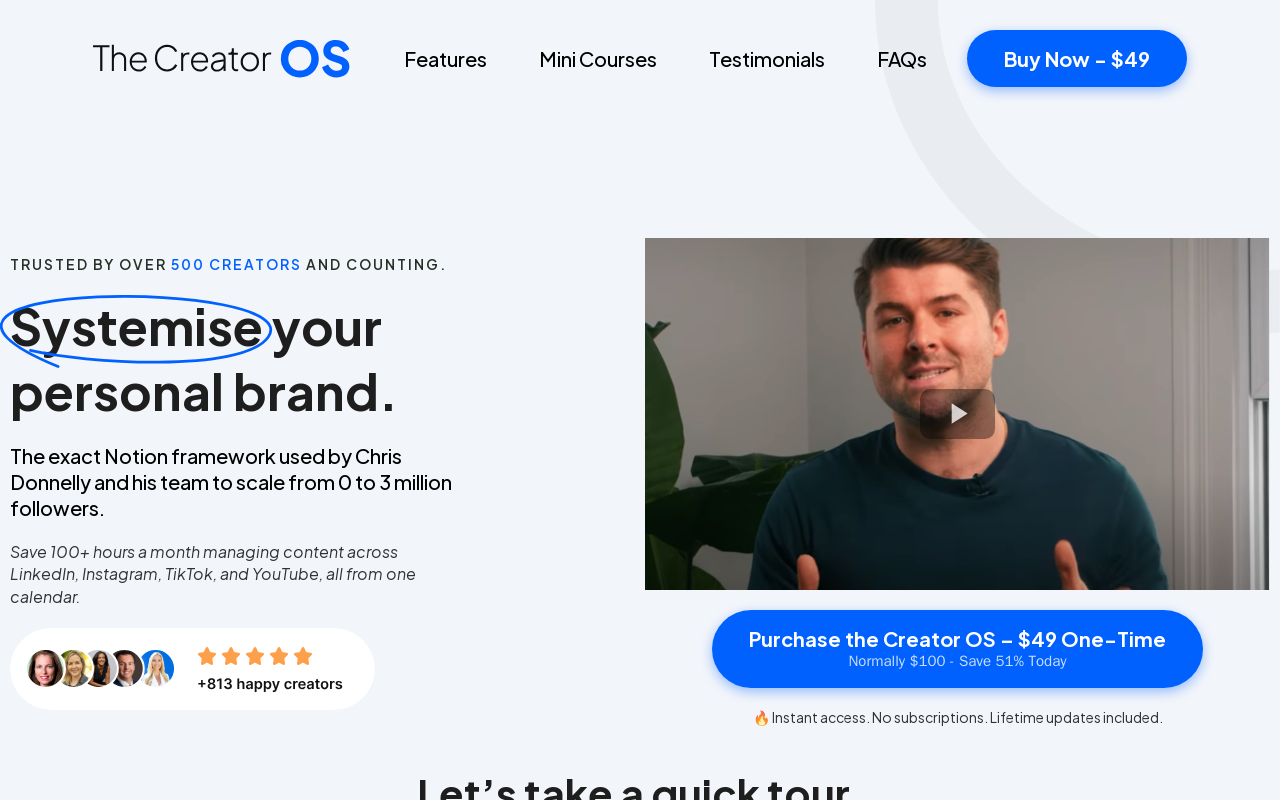
Systemise your personal brand and save 100+ hours a month by managing all content across LinkedIn, Instagram, TikTok, and YouTube from one Notion workspace.
Who is Creator OS best for?
Content creators, personal brand builders, solopreneurs, and small teams looking to streamline their content production.
Does Creator OS have a free plan?
According to official sources, no free plan is currently offered. Official pricing
What does Creator OS cost?
Verified starting price is USD 49 / one-time. View source
What are its main limitations?
- Requires a Notion account and familiarity with Notion basics
- Designed specifically for Notion, not a standalone app
- Limited to content planning; does not include native scheduling or analytics integration
Limitations are based on product materials or editorial synthesis; confirm on the official site.
When was this information verified?
July 21, 2026
Sources
- Official homepageofficial homepage · Jul 21, 2026
- Official pricingofficial pricing · Jul 21, 2026
Key features
- ✓Single calendar for planning and managing posts across LinkedIn, Instagram, TikTok, and YouTube
- ✓Goal setting and growth tracking with accountability tools
- ✓Follower avatar mapping to understand audience pain points and language
- ✓Idea generation framework to never run out of content ideas
- ✓Collaboration features for team alignment (share calendars, assign tasks)
- ✓Four included bonus mini-courses: 100+ Ideas, Write on LinkedIn, Design on LinkedIn, Systemise Your Brand
- ✓Inspiration capture board to store ideas from top creators and campaigns
Use cases
- →Managing and scheduling content for multiple social media platforms in one place
- →Building and scaling a personal brand with a repeatable content engine
- →Collaborating with team members on content planning and task assignments
- →Creating targeted content by deeply understanding audience personas
- →Tracking content ideas and progress from ideation to publishing
Pricing
Creator OS
$49 one-time
- · Full Notion workspace template
- · Lifetime updates
- · Four bonus mini-courses
One-time payment of $49 (normally $100), no subscription, lifetime updates included.
Pros
- +One-time payment with lifetime updates, no recurring subscription
- +Saves significant time by centralising content management
- +Based on proven systems used to grow to 3 million followers
- +Includes comprehensive mini-courses for skill building
- +Works with free version of Notion, no additional costs
Cons
- −Requires a Notion account and familiarity with Notion basics
- −Designed specifically for Notion, not a standalone app
- −Limited to content planning; does not include native scheduling or analytics integration
Positioning
- Core value: Systemise your personal brand and save 100+ hours a month by managing all content across LinkedIn, Instagram, TikTok, and YouTube from one Notion workspace.
- Ideal for: Content creators, personal brand builders, solopreneurs, and small teams looking to streamline their content production.
- Product type: Notion template with instant access, no subscription, lifetime updates. Requires a free Notion account.
Frequently asked questions
Who is The Creator OS for?
The Creator OS is designed for anyone looking to grow their personal brand, whether you’re just starting out or already posting content.
What is Notion? Do I need experience to use it?
Notion is a productivity platform that lets you create notes, tasks, and databases in one place. You need a free Notion account, but tutorials are provided and no prior experience is required.
Do I need to pay for Notion?
No. The Creator OS works perfectly with the free version of Notion.
How much does The Creator OS cost?
The Creator OS is available for a one-time payment of $49 (save 51% from $100).
How is The Creator OS different from other Notion templates?
It is built on the exact systemisation processes used by Chris Donnelly, who scaled his brand from 0 to over 3 million followers across platforms in 2 years. It’s designed for creators aiming for similar growth and leveraging their personal brand.
You may also like
Curated suggestions based on similar categories.
Lugh Xtudio
Lugh Xtudio is a desktop video studio where AI agents edit alongside you on a real, hand-editable timeline. It gives each channel or client a workspace, teaches agents editing styles through "skills," and runs several agents in parallel on maps, whiteboards, 3D and motion graphics. It runs locally on macOS, Windows and Linux using your own Claude Code, Codex or Antigravity account, or any MCP-speaking app.
Tiny Little Office
Tiny Little Office is a browser-based suite of productivity apps that includes a word processor, outliner, presentation builder, spreadsheet, calculator, drawing tool, diagram maker, animator, calendar, and trip planner, each with templates. It is an Aboard Foundry project, made in New York City, currently in beta (v1.2.40).
AI Text Watermark Remover
AI Text Watermark Remover detects and cleans traces left in AI-generated drafts, including invisible Unicode characters and Markdown paste residue, and offers a Pro meaning-preserving rewrite when a watermark is embedded in the wording itself. It supports pastes from Claude, ChatGPT, Gemini and other models, with invisible-character and Markdown cleaning running locally in the browser.
Clean Paste AI
Clean Paste AI is an AI clipboard sanitizer and text cleaner that strips hidden Unicode characters and Markdown residue from copied text before pasting it into documents. Cleaning runs locally in the browser, with optional Pro tools (Text Watermark Remover and AI Humanizer) that use credits for semantic rewriting.
AI Text Cleaner
AI Text Cleaner is a browser-based text hygiene workspace that removes hidden Unicode characters, unusual whitespace, and unwanted Markdown formatting from AI-generated drafts. Free scans run locally in the browser, while paid Pro credits power full-sentence rewriting for text watermark removal and AI humanization.
Clean Paste AI
Clean Paste AI is an AI clipboard sanitizer that strips invisible Unicode characters, zero-width spaces, and unwanted Markdown from copied AI output before you paste it into documents, CMS editors, email, or spreadsheets. Free cleaning runs entirely locally in the browser, while Pro tiers add a Text Watermark Remover and AI Humanizer that reconstruct draft phrasing.