
Notate
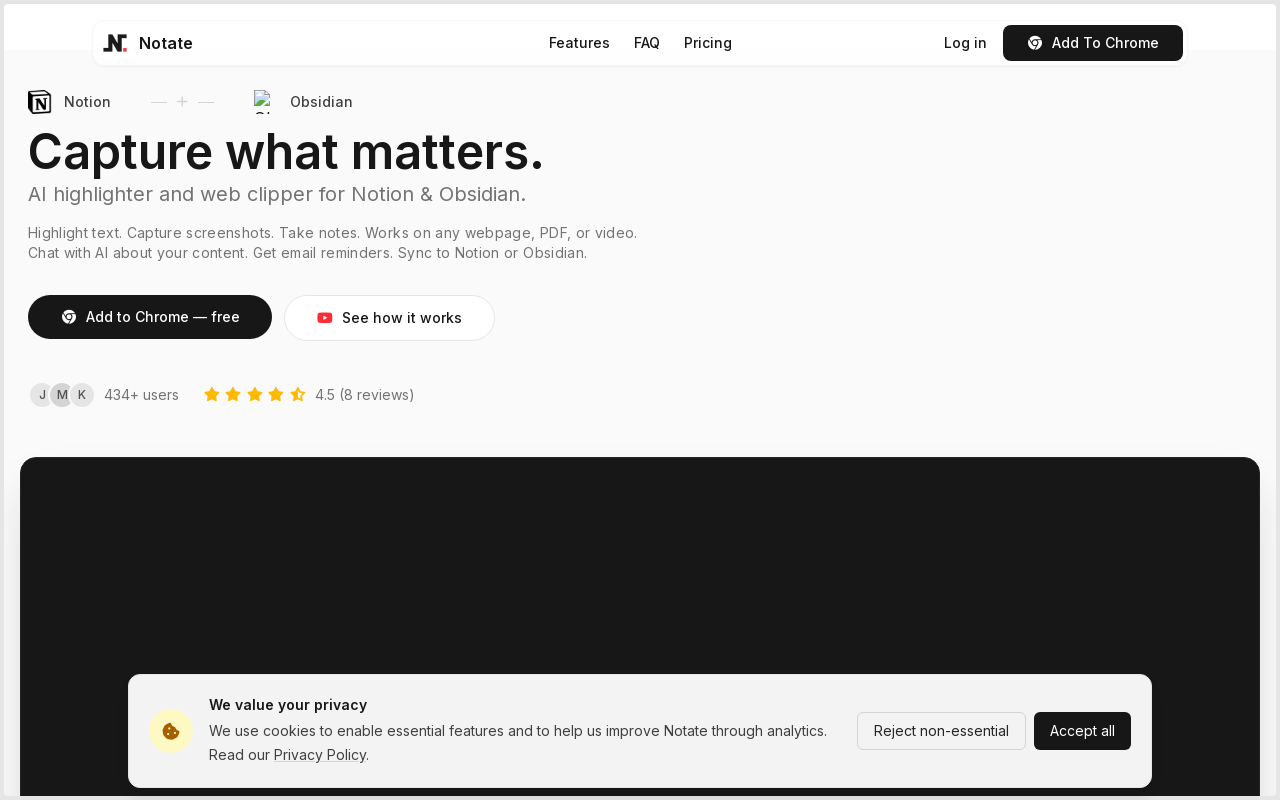
Notate is a browser extension that lets you highlight text, videos, and PDFs, then instantly syncs everything to your Notion or Obsidian workspace. It includes AI-powered chat, page chat, screenshots, and email reminders to help capture and organize information without disrupting your workflow.
Key facts
What is Notate?
AI highlighter and web clipper for Notion & Obsidian.
Who is Notate best for?
Researchers, students, professionals, organizations, institutes, and research teams.
What are its main limitations?
- Free plan has daily limits: 15 highlights per day, 5 AI chats per month, 3 page chats per month, 3 screenshots per day
- Currently only supports Chromium-based browsers (Chrome, Edge, Brave); Firefox and Safari not yet supported
- Teams plan features (shared workspaces, team management) are 'coming soon' and not yet available
Limitations are based on product materials or editorial synthesis; confirm on the official site.
Key features
- ✓Highlight text, videos, and PDFs with multiple colors and styles
- ✓Notes & Collections with tagging, filtering, and search
- ✓Screenshots of any part of a page
- ✓PDF & Video highlighting with timestamp support
- ✓Auto-Scrollback to return to highlights automatically
- ✓Page Chat: chat with any page or local file directly
- ✓AI Highlights: AI chat on any selected highlight
- ✓Reminders: scheduled email digests for highlights
- ✓Sync highlights to Notion (automatic, template setup, Notion AI ready)
- ✓Sync highlights to Obsidian as clean markdown files with automatic folder organization and wikilinks
- ✓Cloud sync across devices (Individual plan and above)
Use cases
- →Research and academic reading: capture and organize key information from papers and articles
- →Content curation: collect screenshots, quotes, and notes from web pages and videos
- →Study and learning: highlight and annotate PDFs and videos with timestamp references
- →Team collaboration: share highlights and notes in shared workspaces (Teams plan)
- →Personal knowledge management: sync highlights to Notion or Obsidian for further analysis
Pricing
Free
$0/month
- · 15 highlights per day
- · 5 AI chats per month
- · 3 page chats per month
- · 3 screenshots per day
- · Unlimited notes
Individual
$4.99/month
- · Unlimited highlights
- · Unlimited AI chats
- · 100 page chats per month
- · Unlimited screenshots
- · Cloud sync across devices
- · Notion & Obsidian sync
Teams & Enterprise
Contact Sales
- · Shared workspaces and team management
- · Volume discounts on seats
- · Priority support
- · Custom feature development
- · Coming soon
Free plan available; Individual plan at $4.99/month; Teams plan coming soon (contact sales).
Pros
- +Real-time sync to Notion and Obsidian eliminates manual copying
- +AI chat and page chat provide context-aware assistance without leaving the page
- +Works on multiple media types: web pages, PDFs, and videos
- +Free plan available with essential features
- +Quick setup in under 30 seconds
Cons
- −Free plan has daily limits: 15 highlights per day, 5 AI chats per month, 3 page chats per month, 3 screenshots per day
- −Currently only supports Chromium-based browsers (Chrome, Edge, Brave); Firefox and Safari not yet supported
- −Teams plan features (shared workspaces, team management) are 'coming soon' and not yet available
Positioning
- Core value: AI highlighter and web clipper for Notion & Obsidian.
- Ideal for: Researchers, students, professionals, organizations, institutes, and research teams.
- Product type: Browser extension (Chrome, Edge, Brave)
Frequently asked questions
What is Notate?
Notate is a browser extension that lets you highlight text, videos, and PDFs, then instantly syncs everything to your Notion workspace. It's designed for researchers, students, and professionals who want to capture and organize information without disrupting their workflow.
How does it work with Notion?
Once you connect your Notion account, Notate automatically creates a database in your workspace. Every highlight and note you create syncs instantly. You can then use Notion AI to search, summarize, and work with your collected knowledge.
What can I highlight?
Notate works on regular web pages, YouTube videos (with timestamp support), and PDF documents. You can highlight text, add notes, and organize everything into collections.
Is there a free plan?
Yes! The free plan includes 15 highlights per day, 5 AI chats per month, 3 page chats per month, 3 screenshots per day, and unlimited notes. Perfect for trying out Notate and light usage.
What browsers are supported?
Notate is currently available for Chrome and other Chromium-based browsers like Edge and Brave. Firefox and Safari support is on our roadmap.
How is my data stored?
Your data syncs securely to your Notion workspace — you own it completely. We also maintain a cloud backup for features like cross-device sync, but your Notion database is the source of truth.
You may also like
Curated suggestions based on similar categories.
PDF Translate
PDF Translate is a browser-based AI tool that translates PDFs while preserving layout, fonts, tables, and images. It supports over 60 languages and multiple translation engines, including Google Translate, Bing Translate, OpenAI, and DeepL. Users can upload PDFs up to 200MB, choose source and target languages, and download single-language or bilingual PDFs in seconds.
superfile
Superfile is an open-source terminal file manager built with Go and Bubble Tea, offering a polished UI and complete file operations for developers who work in the terminal.
Agentarius
Agentarius is a web-based AI tools guide that lists 129 tools, offering side-by-side comparisons, pre-built tool stacks, and written verdicts to help users select the right AI tool for their job or task.
DriftNote
DriftNote is an AI‑powered toolkit for both podcast listeners and creators. Listeners get instant structured summaries from any episode via Spotify, Apple, YouTube, or RSS links, and can follow podcasts to auto‑summarize new episodes. Creators upload raw audio (MP3, MP4, M4A, WAV) and receive production‑ready show notes, titles, chapters, full transcripts, and key quotes tuned to their podcast’s style.
Tripzy
Tripzy is a live travel companion that turns TikTok, Reel, and YouTube videos into fully planned trips by extracting locations, building itineraries, and syncing activities on a shared calendar.
JobHawk
JobHawk is a job search tracking tool with AI-powered interview preparation. It provides AI-generated company briefs, predicted questions, and an Application Health Score to help job seekers stay organized and prepared.