
OpenChatCut
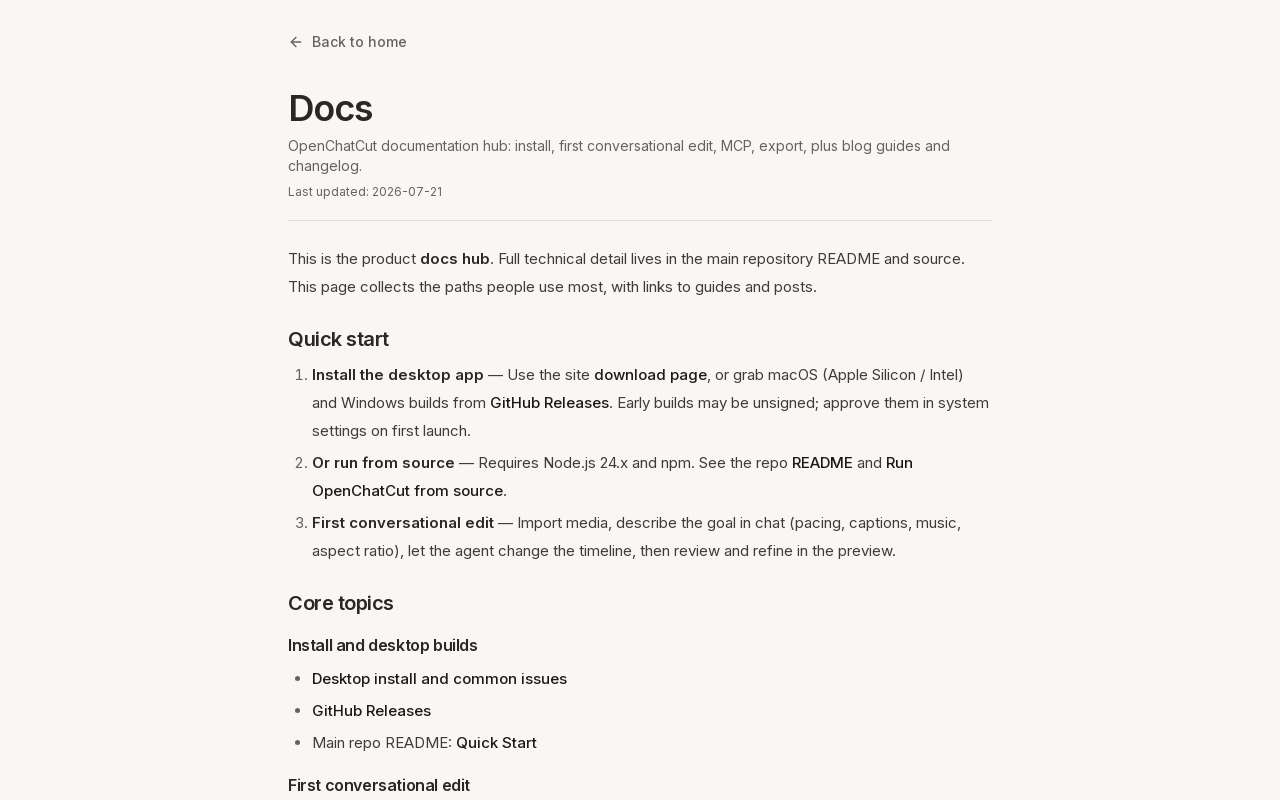
OpenChatCut is an open-source AI agent video editing desktop app that allows users to edit videos through conversational prompts, supporting features like transcription, captions, and export to various formats including FCPXML.
Key facts
What is OpenChatCut?
Edit videos conversationally using AI agents, with full open-source control.
Who is OpenChatCut best for?
Video editors, content creators, developers, and open-source enthusiasts.
Does OpenChatCut have a free plan?
According to official sources, a free plan is available.
What are its main limitations?
- Early builds may be unsigned (requires approval on first launch)
- Requires Node.js 24.x for running from source
- Export capabilities depend on current release
Limitations are based on product materials or editorial synthesis; confirm on the official site.
When was this information verified?
July 21, 2026
Sources
- Official homepageofficial homepage · Jul 21, 2026
Key features
- ✓Conversational AI agent for video editing: describe edits in chat
- ✓Import media and let agent change timeline based on prompts (pacing, captions, music, aspect ratio)
- ✓Transcription, caption styling, and export
- ✓Export video, audio, captions, and project formats including FCPXML
- ✓Local Streamable HTTP MCP endpoint for external agents (e.g., Codex, Claude Code)
- ✓Provider keys stay on local server side (browser does not hold secrets)
- ✓Watch frame range, resolution, and progress feedback during export
- ✓Open source and fully editable
Use cases
- →Quick video editing from a prompt without manual timeline editing
- →Automated caption generation and styling
- →Exporting projects to FCPXML for further editing in Final Cut Pro
- →Integrating with external coding agents via MCP for automated video workflows
Pricing
Free
$0
- · Desktop app
- · Run from source
- · MCP integration
- · All features
Free and open source, no paid plans.
Pros
- +Free and open source with no paid plans
- +Privacy: provider keys stay on local server, not in browser
- +Model-agnostic: supports multiple providers and OpenAI-compatible APIs
Cons
- −Early builds may be unsigned (requires approval on first launch)
- −Requires Node.js 24.x for running from source
- −Export capabilities depend on current release
Positioning
- Core value: Edit videos conversationally using AI agents, with full open-source control.
- Ideal for: Video editors, content creators, developers, and open-source enthusiasts.
- Product type: Desktop app (macOS, Windows) and run from source (Node.js 24.x).
Frequently asked questions
What is OpenChatCut?
OpenChatCut is an open-source AI agent video editing desktop app that lets you edit videos conversationally by describing your goals in chat.
Is OpenChatCut free?
Yes, it is completely free and open source with no paid plans or pricing walls.
How does the AI agent work?
You import media, describe edits in chat (e.g., pacing, captions, music, aspect ratio), and the agent changes the timeline; you can review and refine in preview.
What export formats are supported?
Video, audio, captions, and project formats such as FCPXML; capabilities depend on the current release.
How can I integrate it with external agents?
OpenChatCut serves a local Streamable HTTP MCP endpoint at http://localhost:5199/api/external-mcp/mcp, which can be connected to tools like Codex or Claude Code.
What are the system requirements?
Desktop builds are available for macOS (Apple Silicon/Intel) and Windows. Running from source requires Node.js 24.x and npm.
You may also like
Curated suggestions based on similar categories.
Cardboard
Cardboard is an AI-powered video editing platform that turns raw footage into polished final cuts in minutes. It acts as an AI director, automatically analyzing clips, generating captions, reframing, translating, and dubbing videos, with collaborative editing and fast rendering.
VTK
VTK is an AI-powered video editing copilot that saves editors up to 20 hours per week by automating rough cuts, clip searching, multilingual captioning, and content repurposing. It processes footage entirely on-device for privacy and integrates with Adobe Premiere Pro and DaVinci Resolve.
AI Maker Pro: Video Art Design
AI Maker Pro is an Android app that combines text-to-image generation, AI video creation (image-to-video and text-to-video), and a chat-based image editor called Image Lab. Users can generate visuals from text prompts, animate still photos, and browse a community gallery for inspiration.
VisualGPT
VisualGPT is an all-in-one AI platform for creating, editing, and enhancing images and videos. It integrates top models like Nano Banana, Seedance, Kling, and Qwen to deliver high-quality visuals for marketing, e-commerce, real estate, and more.
Flux 3 video
Flux 3 is an independent preview site for a multimodal AI image and video generator that combines text-to-image, image-to-video, native audio, and action prediction in a single creative workflow. The live playground currently uses FLUX.2 for image generation and Wan 2.2 for video generation while official FLUX 3 access remains coming soon.
Flux 3
Flux 3 is a unified AI workspace for creating and transforming video, images, and audio. It enables users to generate visuals from prompts, refine them through iterative edits, and animate stills into video with synchronized audio.