
SubGetPro V2
AI-powered subtitle generation plugin for Adobe Premiere Pro. Uses local Whisper AI for offline transcription with 99% accuracy, supporting 100+ languages. No cloud uploads or subscriptions required.
Key facts
What is SubGetPro V2?
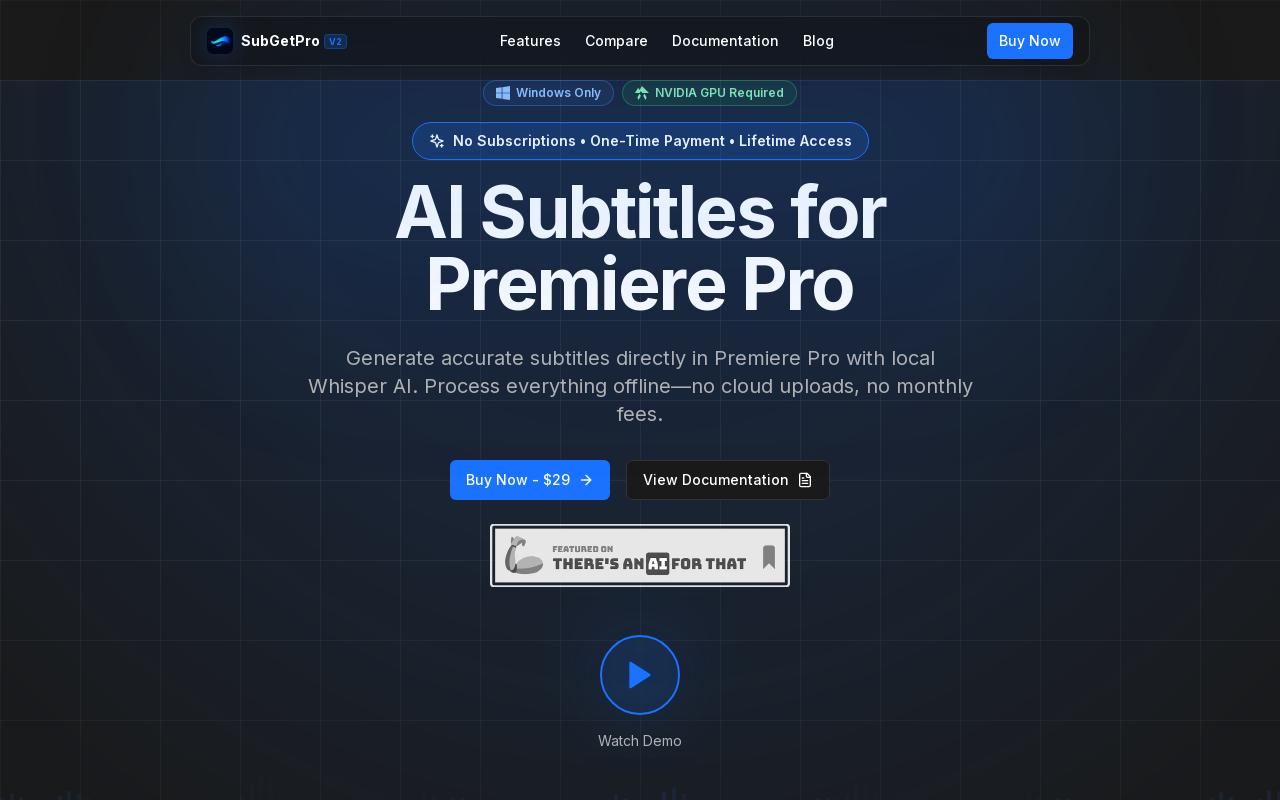
Generate accurate subtitles directly in Premiere Pro with local Whisper AI—no cloud uploads, no monthly fees.
Who is SubGetPro V2 best for?
Video editors, content creators, Premiere Pro users
What are its main limitations?
- Windows only – no Mac or Linux support
- Requires an NVIDIA GPU for acceleration
- Requires Adobe Premiere Pro
- Free trial not mentioned; no refund policy stated
Limitations are based on product materials or editorial synthesis; confirm on the official site.
Key features
- ✓One-click transcription with Selected Clips or Work Area modes
- ✓Silence detection for cutting dead air
- ✓Full SRT editor with drag & drop, RTL support, timeline sync
- ✓Text Edit Mode to edit transcripts as plain text
- ✓MOGRT caption styles with template browser and custom folders
- ✓100% local processing – no data uploads, works offline
- ✓GPU acceleration up to 10x faster than CPU-only processing
- ✓Multi-track detection and direct timeline import as caption tracks
Use cases
- →Creating subtitles for YouTube videos and social media content
- →Adding captions to client projects or commercial work
- →Generating multilingual subtitles for courses and training videos
- →Quickly cutting silent sections in interviews or podcasts
- →Producing styled captions with Motion Graphics templates
Pricing
Lifetime
$29
- · All features included
- · Lifetime access
- · Lifetime updates
- · Commercial use allowed
- · Email support
One-time payment of $29 for lifetime access; no subscriptions.
Pros
- +One-time payment of $29 – no subscriptions or hidden fees
- +99% accuracy for clear audio using Whisper AI
- +Supports over 100 languages including RTL scripts
- +Works completely offline after initial setup – privacy guaranteed
- +GPU-accelerated for fast processing
Cons
- −Windows only – no Mac or Linux support
- −Requires an NVIDIA GPU for acceleration
- −Requires Adobe Premiere Pro
- −Free trial not mentioned; no refund policy stated
Positioning
- Core value: Generate accurate subtitles directly in Premiere Pro with local Whisper AI—no cloud uploads, no monthly fees.
- Ideal for: Video editors, content creators, Premiere Pro users
- Product type: Adobe Premiere Pro extension (Windows only)
Frequently asked questions
Is this really a one-time payment?
Yes! Pay $29 once and own SubGetPro forever. No monthly subscriptions, no hidden fees.
Does it work offline?
Absolutely! SubGetPro processes everything locally on your computer. No internet required after setup.
How accurate is the transcription?
SubGetPro uses OpenAI's Whisper AI, achieving 99% accuracy for clear audio.
What languages are supported?
Over 100 languages including English, Spanish, French, German, Chinese, Japanese, Arabic, Hebrew, and more.
Can I use it for commercial projects?
Yes! Your license includes commercial use. Create subtitles for client work, YouTube videos, courses, etc.
What if I need help?
We provide email support for all users. Check our comprehensive documentation for guides and tutorials.
You may also like
Curated suggestions based on similar categories.
IPTV Playlist
IPTV Playlist is a public M3U directory and browser-based utility set. It lists public IPTV playlist links organized by country, topic, language, and region from community sources, and lets users inspect, test, and analyze M3U streams.
DEV·TV
Dev TV! is an independently owned online streaming/media platform operated under Devin J. Ricks Productions that showcases motion pictures, web-series, interviews and entertainment content. Subscribers get unlimited streaming access to its original content on TVs, computers and mobile devices after a 7-day free trial.
Hyperdream
Hyperdream is an end-to-end AI filmmaking studio that takes users from script to finished film in one platform. It combines AI scriptwriting, style design, AI character casting with voice cloning, storyboarding, cinematic video generation, and a built-in non-destructive video editor, maintaining continuous context so characters and style stay consistent across every scene.
Cutsio
Cutsio is an AI-powered video MAM (media asset management) platform that lets video teams search every frame of their library by people, dialogue, objects and scenes, then upload, organize, review and deliver from one workspace. It combines visual search, transcript search and agentic chat with share links, collections, upload requests and Drive imports.
PAMA AI
PAMA AI is an AI comic generator that turns one script into structured scenes, consistent characters, directed storyboards, motion clips, and sound inside a single studio workspace. It keeps a reusable character bible, location bible, shot prompts, and credit usage connected to the same project so creators can direct a sequence scene by scene.
Flux 3 video
Flux 3 is an independent preview site for a multimodal AI image and video generator that combines text-to-image, image-to-video, native audio, and action prediction in a single creative workflow. The live playground currently uses FLUX.2 for image generation and Wan 2.2 for video generation while official FLUX 3 access remains coming soon.