
ProtoFlow
ProtoFlow is an AI-native desktop tool that streamlines the early stages of PCB design, allowing hardware engineers to go from a blank canvas to a clean KiCad or Altium project faster. It offers an AI Part Generator, schematic capture from plain language, part discovery across distributors, and collaborative features like live editing and Git integration.
Key facts
What is ProtoFlow?
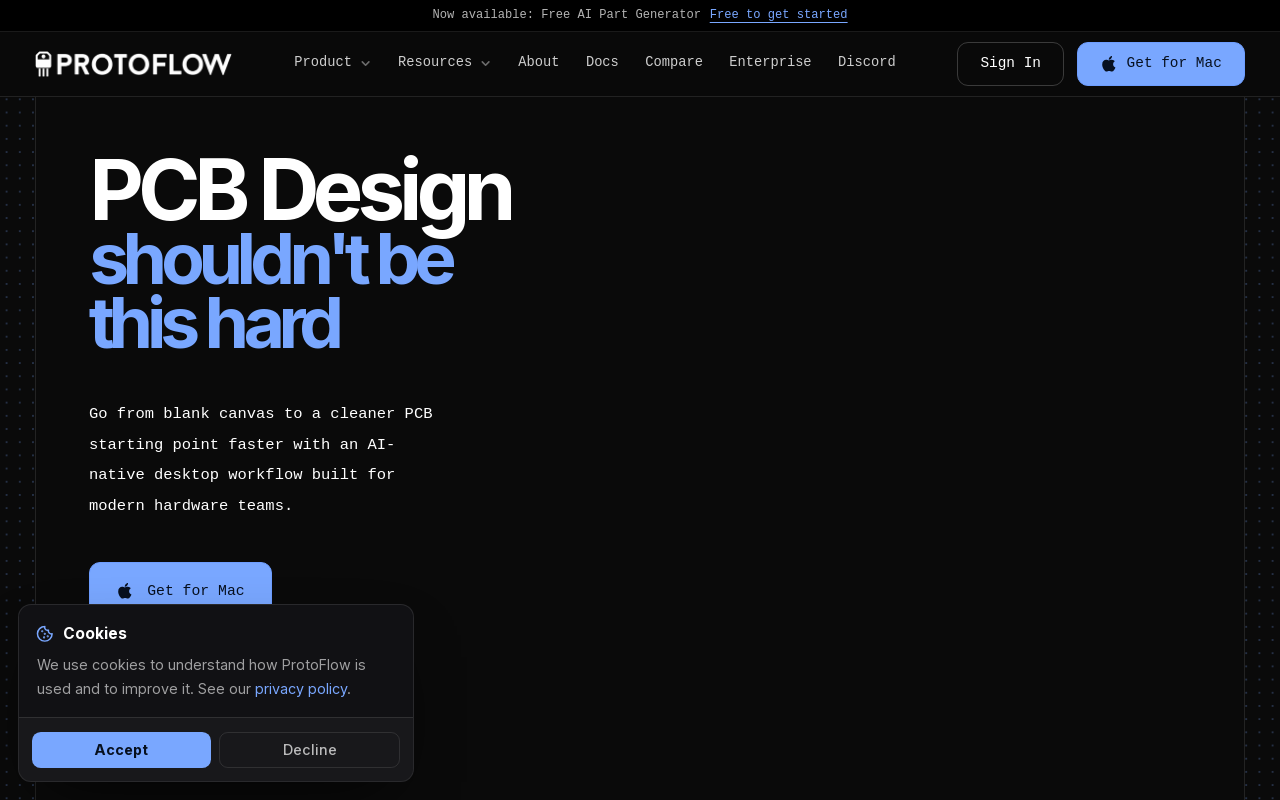
Go from blank canvas to a cleaner PCB starting point faster with an AI-native desktop workflow built for modern hardware teams.
Who is ProtoFlow best for?
Hardware engineers, makers, students, startups, educators, researchers
What are its main limitations?
- Not a replacement for full EDA tools like KiCad or Altium; focused on early drafting
- Desktop-only (no web-based version at launch)
- Free tier has limited AI messages (10 Basic + 5 Pro per day)
- Pro subscription required for advanced AI models and collaboration features
Limitations are based on product materials or editorial synthesis; confirm on the official site.
Key features
- ✓AI Part Generator: Generate symbols and footprints from datasheets (10 units/month on Free, 30 on Pro, 70 on Max)
- ✓Schematic capture from plain language: Describe the circuit and get a first draft
- ✓Part discovery: Search every distributor at once
- ✓Cleanup & export: One shortcut to a tidy KiCad or Altium project
- ✓Commenting: Leave context directly on the schematic
- ✓Live collaboration: Work together in real time
- ✓Git integration: Keep design changes versioned
- ✓Visual Git diff overlays: See changes directly in the editor
- ✓Custom themes: Personalize the editor look
Use cases
- →Idea to board in an evening for makers
- →Prototype before you pitch for startups
- →Teach with live circuits for educators
- →Spin up test rigs fast for researchers
- →First schematic in 5 minutes for beginners
Pricing
Free
$0/month
- · Full PCB editor
- · Basic AI models
- · 10 Basic + 5 Pro AI messages/day
- · AI part generator (10 generation units/month)
- · Credit top-ups available
Pro
$15/month
- · Everything in Free
- · 50 AI credits/day, 250/rolling week
- · Pro models (Gemini Flash)
- · AI part generator (30 generation units/month)
- · File uploads in AI chatbox
- · AI custom symbol creation
- · Advanced parameters
- · Plan mode
- · Live collaboration
- · Credit top-ups
Max
$30/month
- · Everything in Pro
- · 165 AI credits/day, 830/rolling week
- · Advanced models (GPT, Claude, Grok)
- · AI part generator (70 generation units/month)
- · Higher self-serve usage limits
- · Priority AI queue
- · Larger file uploads
- · Sub-agents (early access)
- · Priority support
- · First access to new features
Enterprise
Custom
- · Everything in Max
- · Custom seat licensing
- · SSO and SAML authentication
- · Dedicated AI capacity and SLAs
- · Private model and data isolation
- · Onboarding and training sessions
- · Dedicated account manager
- · Custom invoicing and procurement
- · Security and compliance review
Free plan available; paid subscriptions start at $15/month (Pro) and $30/month (Max); Enterprise with custom pricing.
Pros
- +AI-native workflow reduces repetitive early wiring work
- +Free tier available with full PCB editor and basic AI models
- +Exports to KiCad and Altium, the most popular EDA tools
- +Collaborative features (live collaboration, commenting, Git integration)
- +Trusted by over 5,000 engineers
Cons
- −Not a replacement for full EDA tools like KiCad or Altium; focused on early drafting
- −Desktop-only (no web-based version at launch)
- −Free tier has limited AI messages (10 Basic + 5 Pro per day)
- −Pro subscription required for advanced AI models and collaboration features
Positioning
- Core value: Go from blank canvas to a cleaner PCB starting point faster with an AI-native desktop workflow built for modern hardware teams.
- Ideal for: Hardware engineers, makers, students, startups, educators, researchers
- Product type: Desktop app (macOS, Windows & Linux)
Frequently asked questions
What is ProtoFlow?
ProtoFlow is an AI-native desktop tool for getting from idea to a clean PCB starting point faster.
Does it replace KiCad or Altium?
No. ProtoFlow is built for the early drafting and setup work before the deeper layout steps you still do in your main EDA.
Is ProtoFlow free?
Yes. It is free to start, and you can move up to paid plans when you want more AI help and higher limits.
Can I use it for private projects?
Yes. The desktop-first workflow is designed to keep your work close to your machine and your team.
What platforms is ProtoFlow available on?
ProtoFlow is a desktop app available for macOS, Windows, and Linux.
You may also like
Curated suggestions based on similar categories.
AI Manga Translator
AI Manga Translator is a web tool and Chrome extension that translates raw manga, comics and scanned comic images into multiple languages while keeping the structure of the original image intact. It uses AI translation engines such as GPT-4o, DeepL, Papago and Google Translate, and offers a free tier of 3 translations per user per week.
Intel® GPU D-series
Intel® GPU D-series (Intel® GPU D270) is an inference-optimized data center GPU built for agentic AI workloads. It pairs up to 480 GB of LPDDR5X memory per card with 32 Xᵉ3P cores and 256 XMX matrix engines in a standard, air-cooled PCIe 5.0 form factor, deliberately omitting high bandwidth memory (HBM).
AI Manga Translator
AI Manga Translator is a web-based tool that translates raw manga and comic images into multiple languages in one click while preserving the structure and style of the original artwork. It also offers a Chrome extension for reading translated manga directly on manga sites.
AutoChart.eu
Autochart.ai is an AI-powered clinical documentation platform built by clinicians for clinicians. It captures patient encounters to generate notes, referrals, emails, and other documentation, and also offers products for patient intake/voice workflows and practitioner training. The platform supports any EMR and emphasizes healthcare privacy compliance.
MP3 to Transcript
ToText is a browser-based transcription tool that converts MP3, MP4, M4A, MOV, WAV, WebM and other audio/video files into editable, time-aligned text. It adds speaker labels, timestamps, summaries, meeting notes, chapters, action items and translations, with exports to TXT, DOCX, PDF, SRT, VTT, CSV, JSON, ASS and XLSX.
ReWords AI
ReWords AI is a browser-based AI image text editor that detects and replaces baked-in text in PNG, JPG, and WebP images while making best-effort matches to the original font, color, and background. It also supports removing, translating, extracting, and blurring text without needing source design files.