
YouInMeme
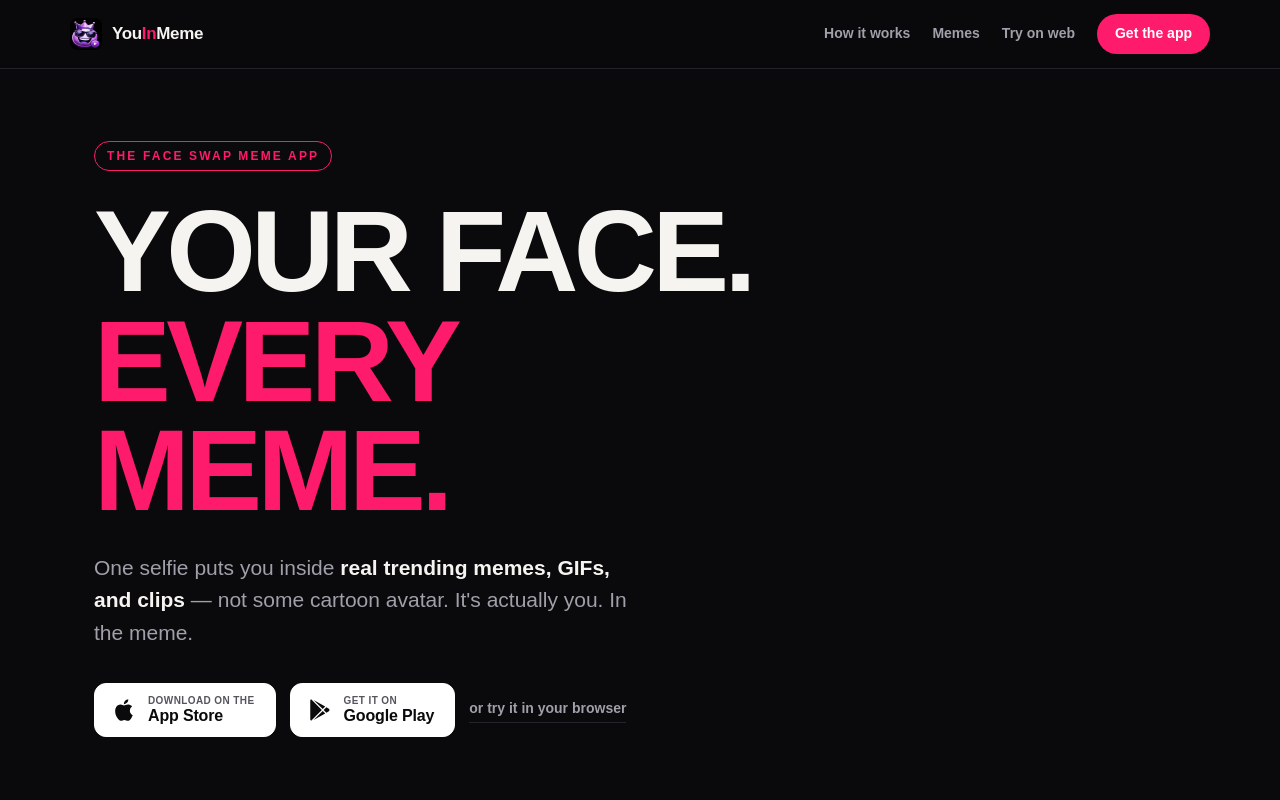
YouInMeme is a face swap app that lets you insert your face into trending memes, GIFs, and clips using a single selfie. It offers frame-by-frame face swapping with real licensed content, not cartoon avatars, and processes your selfie transiently without using it for training.
Key facts
What is YouInMeme?
One selfie puts you inside real trending memes, GIFs, and clips — not a cartoon avatar.
Who is YouInMeme best for?
Meme creators, social media users, group chat participants, anyone wanting to personalize viral content
Does YouInMeme have a free plan?
According to official sources, no free plan is currently offered.
What are its main limitations?
- No detailed pricing information available on the website
- Only available on iOS, Android, and web browser (no desktop app)
- Requires a front-facing selfie with decent lighting for best results
Limitations are based on product materials or editorial synthesis; confirm on the official site.
When was this information verified?
July 15, 2026
Sources
- Official homepageofficial homepage · Jul 15, 2026
Key features
- ✓Drop one selfie with front-facing, decent light
- ✓Choose from trending memes, reaction GIFs, and clips refreshed daily
- ✓Upload your own clip to swap yourself into any video
- ✓Frame-by-frame face swap — not a filter
- ✓Animated GIF and viral clip swap support
- ✓Your face is processed transiently and never used to train AI
- ✓Honest pricing with no token traps or hidden costs
- ✓Free to download on iOS and Android; also available as a web app
Use cases
- →Create personalized memes for group chats
- →Swap your face into reaction GIFs for social media
- →Insert yourself into viral video clips
- →Make custom content by uploading your own clips
- →Generate shareable GIFs with your likeness
Pros
- +Realistic frame-by-frame face swap without filters
- +Daily updated library of real licensed memes and GIFs
- +Privacy-focused: selfies not used for AI training
- +No token or credit system; clear free vs. paid features
- +Multi-platform: web, iOS, and Android
- +Zero skills required; three simple steps
Cons
- −No detailed pricing information available on the website
- −Only available on iOS, Android, and web browser (no desktop app)
- −Requires a front-facing selfie with decent lighting for best results
Positioning
- Core value: One selfie puts you inside real trending memes, GIFs, and clips — not a cartoon avatar.
- Ideal for: Meme creators, social media users, group chat participants, anyone wanting to personalize viral content
- Product type: Web app, iOS app, Android app
Frequently asked questions
How does YouInMeme work?
Take one selfie with front-facing camera and decent light, pick a trending meme, GIF, or clip from the daily feed or upload your own, and your face is swapped in within seconds.
Is my face used for training AI?
No. Your selfie is processed transiently and never used to train AI. The company states 'Your face is not training data'.
Is YouInMeme free?
The app is free to download on iOS and Android, and can be used in a web browser. The website claims 'honest pricing' with clear free vs. paid features, but no specific prices are listed.
Can I use my own videos?
Yes. YouInMeme allows you to upload any clip you want to swap yourself into, not just the preset library.
Do I need any skills to use it?
No. The process is described as 'zero skills required' — just one selfie, pick your moment, and you're in the meme.
What platforms are supported?
YouInMeme is available as an iOS app, Android app, and a web browser version.
You may also like
Curated suggestions based on similar categories.
Lugh Xtudio
Lugh Xtudio is a desktop video studio where AI agents edit alongside you on a real, hand-editable timeline. It gives each channel or client a workspace, teaches agents editing styles through "skills," and runs several agents in parallel on maps, whiteboards, 3D and motion graphics. It runs locally on macOS, Windows and Linux using your own Claude Code, Codex or Antigravity account, or any MCP-speaking app.
Tiny Little Office
Tiny Little Office is a browser-based suite of productivity apps that includes a word processor, outliner, presentation builder, spreadsheet, calculator, drawing tool, diagram maker, animator, calendar, and trip planner, each with templates. It is an Aboard Foundry project, made in New York City, currently in beta (v1.2.40).
AI Text Watermark Remover
AI Text Watermark Remover detects and cleans traces left in AI-generated drafts, including invisible Unicode characters and Markdown paste residue, and offers a Pro meaning-preserving rewrite when a watermark is embedded in the wording itself. It supports pastes from Claude, ChatGPT, Gemini and other models, with invisible-character and Markdown cleaning running locally in the browser.
Clean Paste AI
Clean Paste AI is an AI clipboard sanitizer and text cleaner that strips hidden Unicode characters and Markdown residue from copied text before pasting it into documents. Cleaning runs locally in the browser, with optional Pro tools (Text Watermark Remover and AI Humanizer) that use credits for semantic rewriting.
AI Text Cleaner
AI Text Cleaner is a browser-based text hygiene workspace that removes hidden Unicode characters, unusual whitespace, and unwanted Markdown formatting from AI-generated drafts. Free scans run locally in the browser, while paid Pro credits power full-sentence rewriting for text watermark removal and AI humanization.
Clean Paste AI
Clean Paste AI is an AI clipboard sanitizer that strips invisible Unicode characters, zero-width spaces, and unwanted Markdown from copied AI output before you paste it into documents, CMS editors, email, or spreadsheets. Free cleaning runs entirely locally in the browser, while Pro tiers add a Text Watermark Remover and AI Humanizer that reconstruct draft phrasing.