
Lockpaw
Lockpaw is a macOS app that locks your Mac screen while preventing sleep, so AI agents, builds, downloads, and SSH sessions keep running. It covers the screen, blocks input, and glows when an agent needs attention, with Touch ID unlock and a choice of dog or cat mascots.
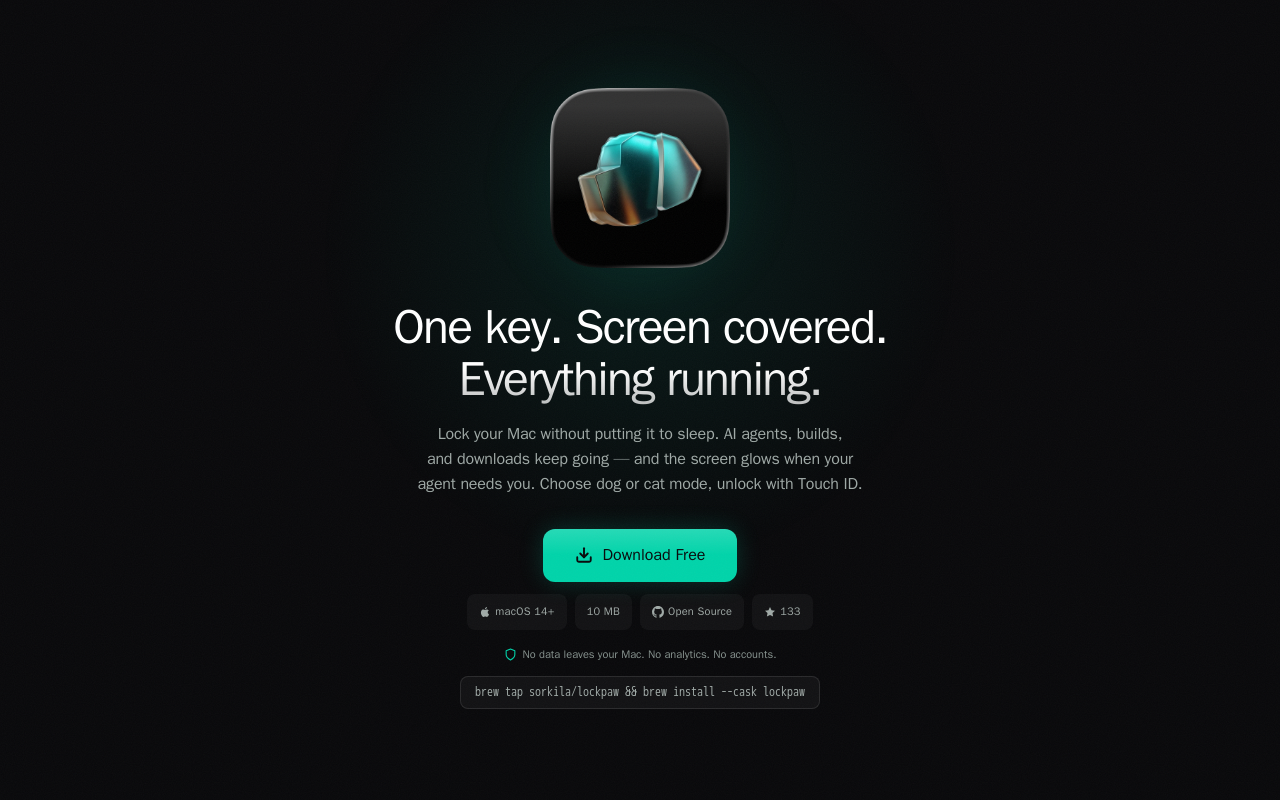
Key facts
What is Lockpaw?
Lock your Mac without putting it to sleep, keeping AI agents, builds, and downloads running.
Who is Lockpaw best for?
Mac users, developers, AI agent users
What are its main limitations?
- Requires macOS 14+ (Sonoma or later)
- Only available on Mac (no Windows/Linux)
- Hotkey shortcut may conflict with other apps (not adjustable in current version)
Limitations are based on product materials or editorial synthesis; confirm on the official site.
Key features
- ✓Instant lock with ⌘⇧L
- ✓Screen glows when Claude Code, Codex, or Gemini needs you
- ✓Dog or cat lock-screen mascot
- ✓Touch ID or password unlock
- ✓Native settings for Lock Screen, Shortcuts, General, Permissions, and About
- ✓No data leaves your Mac, no analytics, no accounts
- ✓Open source (GitHub)
Use cases
- →Keep AI agents (Claude Code, Codex, Gemini) running while stepping away
- →Prevent sleep during long builds or downloads
- →Maintain SSH sessions without interruption
- →Secure your screen from passersby without stopping background processes
- →Replace Amphetamine + macOS lock screen with a single tool
Pricing
Free
$0
- · Full app
- · Open source
- · Optional donation via 'Buy me a coffee'
Free to download; optional donation ('Buy me a coffee').
Pros
- +Combines screen lock, input block, and sleep prevention in one app
- +Touch ID unlock is fast and secure
- +Zero telemetry or accounts—privacy focused
- +Open source (MIT) on GitHub
Cons
- −Requires macOS 14+ (Sonoma or later)
- −Only available on Mac (no Windows/Linux)
- −Hotkey shortcut may conflict with other apps (not adjustable in current version)
Positioning
- Core value: Lock your Mac without putting it to sleep, keeping AI agents, builds, and downloads running.
- Ideal for: Mac users, developers, AI agent users
- Product type: macOS app (download)
Frequently asked questions
What is Lockpaw?
Lockpaw is a macOS app that locks your Mac without putting it to sleep, keeping AI agents, builds, downloads, and SSH sessions running. It covers the screen, blocks input, and unlocks with Touch ID.
How do I lock and unlock?
Press ⌘⇧L to lock. Unlock with Touch ID or your password.
Does Lockpaw prevent my Mac from sleeping?
Yes—Lockpaw keeps your Mac awake while the screen is locked, so background tasks keep running.
Is Lockpaw free?
Yes, Lockpaw is free to download and open source. You can support the developer via a voluntary 'Buy me a coffee' donation.
Does Lockpaw collect any data or require an account?
No. Lockpaw runs entirely on your Mac with no analytics, no accounts, and no data leaves your computer.
What macOS version is required?
Lockpaw requires macOS 14 (Sonoma) or later.
You may also like
Curated suggestions based on similar categories.
PDF Translate
PDF Translate is a browser-based AI tool that translates PDFs while preserving layout, fonts, tables, and images. It supports over 60 languages and multiple translation engines, including Google Translate, Bing Translate, OpenAI, and DeepL. Users can upload PDFs up to 200MB, choose source and target languages, and download single-language or bilingual PDFs in seconds.
superfile
Superfile is an open-source terminal file manager built with Go and Bubble Tea, offering a polished UI and complete file operations for developers who work in the terminal.
Notate
Notate is a browser extension that lets you highlight text, videos, and PDFs, then instantly syncs everything to your Notion or Obsidian workspace. It includes AI-powered chat, page chat, screenshots, and email reminders to help capture and organize information without disrupting your workflow.
Agentarius
Agentarius is a web-based AI tools guide that lists 129 tools, offering side-by-side comparisons, pre-built tool stacks, and written verdicts to help users select the right AI tool for their job or task.
DriftNote
DriftNote is an AI‑powered toolkit for both podcast listeners and creators. Listeners get instant structured summaries from any episode via Spotify, Apple, YouTube, or RSS links, and can follow podcasts to auto‑summarize new episodes. Creators upload raw audio (MP3, MP4, M4A, WAV) and receive production‑ready show notes, titles, chapters, full transcripts, and key quotes tuned to their podcast’s style.
Tripzy
Tripzy is a live travel companion that turns TikTok, Reel, and YouTube videos into fully planned trips by extracting locations, building itineraries, and syncing activities on a shared calendar.