
Visual Studio Code
Visual Studio Code is an open source AI code editor that supports multi-agent development, GitHub Copilot integration, and MCP server connectivity. It is available as a desktop application for Windows, macOS, and Linux, as well as a web version.
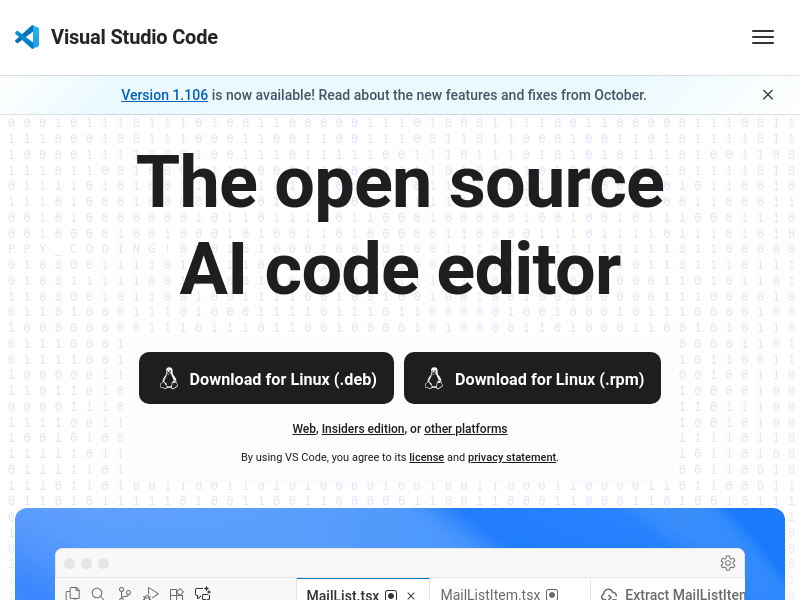
Key facts
What is Visual Studio Code?
An open source AI code editor with multi-agent development capabilities and deep GitHub Copilot integration.
Who is Visual Studio Code best for?
Developers, software engineers, teams
Key features
- ✓Multi-agent development support
- ✓GitHub Copilot integration
- ✓MCP server integration
- ✓Extensible with extensions
- ✓Cross-platform (Windows, macOS, Linux, Web)
- ✓Keyboard navigation and accessibility
Use cases
- →Multi-agent development workflows
- →Code refactoring with AI assistance
- →Bug fixing and code generation
- →Building and testing applications
- →Collaborative coding with teams
Pros
- +Open source and free to use
- +Multi-platform support
- +AI-powered code assistance
- +Large extension ecosystem
Positioning
- Core value: An open source AI code editor with multi-agent development capabilities and deep GitHub Copilot integration.
- Ideal for: Developers, software engineers, teams
- Product type: Desktop application (Windows, macOS, Linux) and web app
Frequently asked questions
What is Visual Studio Code?
Visual Studio Code is an open source AI code editor described as 'Your home for multi-agent development' with support for AI agents, GitHub Copilot, and extensions.
What platforms does Visual Studio Code support?
Visual Studio Code is available for macOS, Windows, Linux (.deb and .rpm), and also as a Web version.
How do I install Visual Studio Code?
You can download the installer for your platform directly from the homepage – options include macOS, Windows, Linux (.deb and .rpm), and the Web version.
Does Visual Studio Code support extensions?
Yes, Visual Studio Code is extensible and has a rich ecosystem of extensions, as shown by the 'Extensions' link in the header and the code examples referencing third-party packages.
How does multi-agent development work in Visual Studio Code?
Visual Studio Code supports multi-agent development, allowing you to hand off tasks to AI agents that autonomously plan, make code changes, run commands, and iterate until the job is done, as described on the homepage.
You may also like
Curated suggestions based on similar categories.
TRAE
TRAE is an AI-powered coding assistant that helps developers ship faster. It offers TRAE IDE (a 10x AI coding engineer) and TRAE Work (a professional AI work assistant), with features like autocomplete, concurrent cloud tasks, and model early access.
Cursor
The AI Code Editor built to make you extraordinarily productive.
IPTV Playlist
IPTV Playlist is a public M3U directory and browser-based utility set. It lists public IPTV playlist links organized by country, topic, language, and region from community sources, and lets users inspect, test, and analyze M3U streams.
AIAgentSkills
AIAgentSkills is a curated, community-driven directory for discovering AI agent skills (Claude skills) for Claude, Codex, and other AI agents. It publishes 8K+ searchable skills spanning categories such as writing, coding, design, marketing, testing, DevOps, security, and MCP integrations, each with a short description and install counts.
Zens AI
AI & developer tools - AI customer support for SaaS
Agent Control
The open-source control plane for AI agents that enables centralized policy enforcement, runtime governance, and step-level guardrails across agent workflows.